
Kadence
kadence.co
- Last checked
- 1 Sept 2026
- Sources
- 12
- Evidence confidence
- Medium
Product media
Buyer notes
What to know about Kadence
Kadence combines visitor management with broader workplace operations and space-planning capabilities, which is useful for organisations that want visitor workflows to feed directly into occupancy analytics and scenario planning. Its strengths are kiosk-based high-volume check-in, AI-assisted invites, and centralized audit-ready logs with configurable regional policies. The product targets multi-site enterprises and facility teams, and integrates with major collaboration and calendar tools to simplify adoption. Onboarding and customer success support are emphasised, suggesting guided rollouts rather than pure self-serve for larger deployments.
- Best for
- Enterprises with multiple offices needing consistent global visitor workflows
- Known strength
- easy to use / intuitive interface
Strengths
- easy to use / intuitive interface
- visual office floor plans for desk and room booking
- quick setup and fast onboarding with limited training required
- responsive and helpful customer support / account management
- mobile app and desktop accessibility
Fit considerations
- reporting is limited, hard to interpret, or lacks customization
- some booking, cancellation, or workflow friction (including occasional logout issues)
- missing or developing features and requested integrations
- pricing may be high for smaller organizations
- limited granular scheduling (for example, half-day/hourly blocking) and limited booking notes/labels
Questions to ask
- What are the available kiosk hardware models and badge-printer integrations supported?
- How is active-user billing calculated and are visitor accounts counted as active users?
- How well does Kadence match your busiest visitor, contractor, or reception workflow?
- Which locations, teams, and visitor types should be included in the first rollout?
Implementation notes
- Expect a guided onboarding with tailored training and customer success support for enterprise rollouts
- Plan for integration with SSO/AD/SCIM and calendar systems (MS Teams, Outlook, Google Calendar) during setup to streamline adoption
Scoring criteria
How Kadence scores
Every system is scored against the same published-data criteria. Public scores are intended as comparison prompts alongside your own procurement needs.
Customer review sentiment
4. 5/5 from 172 published reviews across 4 sources, with 118 stored feedback themes
18 point weighting · 172 reviews across review sourcesVisitor and contractor workflows
5 visitor, contractor, badge, host, delivery, identity, and QR workflow signals
10 point weighting · Published vendor and profile signalsEvacuation management
1 evacuation, mustering, roll-call, occupancy, or emergency signal
7 point weighting · Published vendor and profile signalsAdvanced reporting
3 reporting, analytics, audit, export, or visitor-history signals
7 point weighting · Published vendor and profile signalsPublished feature breadth
8 documented capabilities
10 point weighting · Published vendor and profile signalsMobile and kiosk flexibility
iOS and Android; Optional kiosk
8 point weighting · Published vendor and profile signalsOngoing free access
Free trial published
6 point weighting · Published vendor and profile signalsDeployment and integrations
10 published deployment and integration options
7 point weighting · Published vendor and profile signalsIndustry coverage
7 documented sectors
5 point weighting · Published vendor and profile signalsSource coverage
12 vendor pages analysed, 4 review sources captured
5 point weighting · 12 source pages analysedVisitor management focus
80% fit against visitor-management-specific positioning signals
5 point weighting · Published vendor and profile signalsAccess-control integrations
1 access-control integration signal
5 point weighting · Published vendor and profile signalsRegional hosting and data residency
No public evidence captured yet
3 point weighting · Published vendor and profile signalsPricing transparency
4 published pricing plans
4 point weighting · Published vendor and profile signalsA lower score can mean the directory found less public evidence, not that a product cannot support the workflow. Use these criteria as shortlist prompts alongside your own procurement needs.
Overview
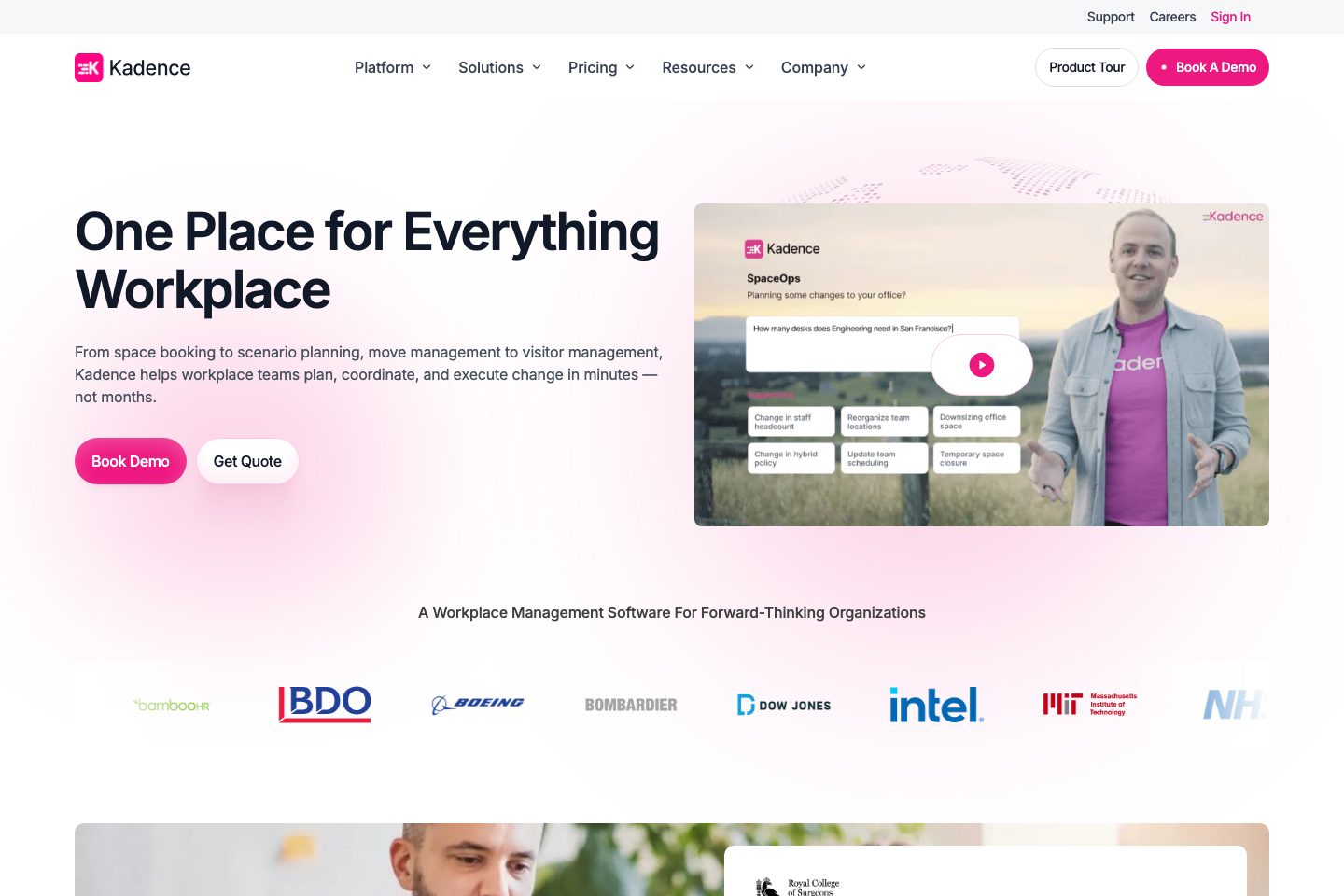
Kadence is a workplace management platform that includes visitor management as a native module of a broader workplace operations suite. The visitor module supports self-service kiosks, QR preregistration, automated host notifications, badge printing, digital NDAs and safety acknowledgements, and centralized, encrypted visitor logs to support audits.
It is positioned for global organizations with multi-region governance and AI-assisted workflows that automate invites and arrival preparation. Visitor data is presented in real-time dashboards and feeds into Kadence’s SpaceOps planning tools to inform occupancy and space decisions.
Kadence is offered via named plans and custom quotes and integrates with common collaboration and calendar systems.
Best for
- Workplace teams managing hybrid offices
- Enterprise organisations needing multi-site governance
- Facility managers standardizing front-desk processes
- Real-estate teams using presence data for space planning
- IT teams seeking SSO and directory integration
Target industries
Key capabilities
Real-time dashboards
Occupancy and visitor dashboards to monitor who is onsite and support audits.
Centralized visitor logs
Encrypted, centrally stored visitor records and centralized logs for audits and incident response.
Digital NDAs & acknowledgements
Configurable digital NDAs and safety acknowledgements enforced ahead of check-in and stored for audits.
Badge printing
Onsite automated badge printing supported (standard features available; advanced customisations indicated forthcoming).
Multi-region governance
Global administrators set universal policies with site-level exceptions for regional requirements.
Self-service kiosks
Kiosk-based autonomous check-in for high-volume, unattended entry (QR check-in, badge printing).
AI-assisted invites
Kadence AI handles visitor invitations and prepares hosts and spaces before arrival.
Automated host notifications
Automatic notifications to hosts on visitor invite and arrival.
Pricing
Plans are presented (WorkOps, SpaceOps) and pricing is available via Get Quote; Pro and Enterprise tiers referenced with active-user billing and custom pricing for enterprise features.
WorkOps
Core workplace features including desk & room booking, visitor management, workplace analytics and integrations.
- Includes Visitor Management
- Desk & room booking, workplace analytics
- Integrations with MS Teams, Slack, HRIS
SpaceOps
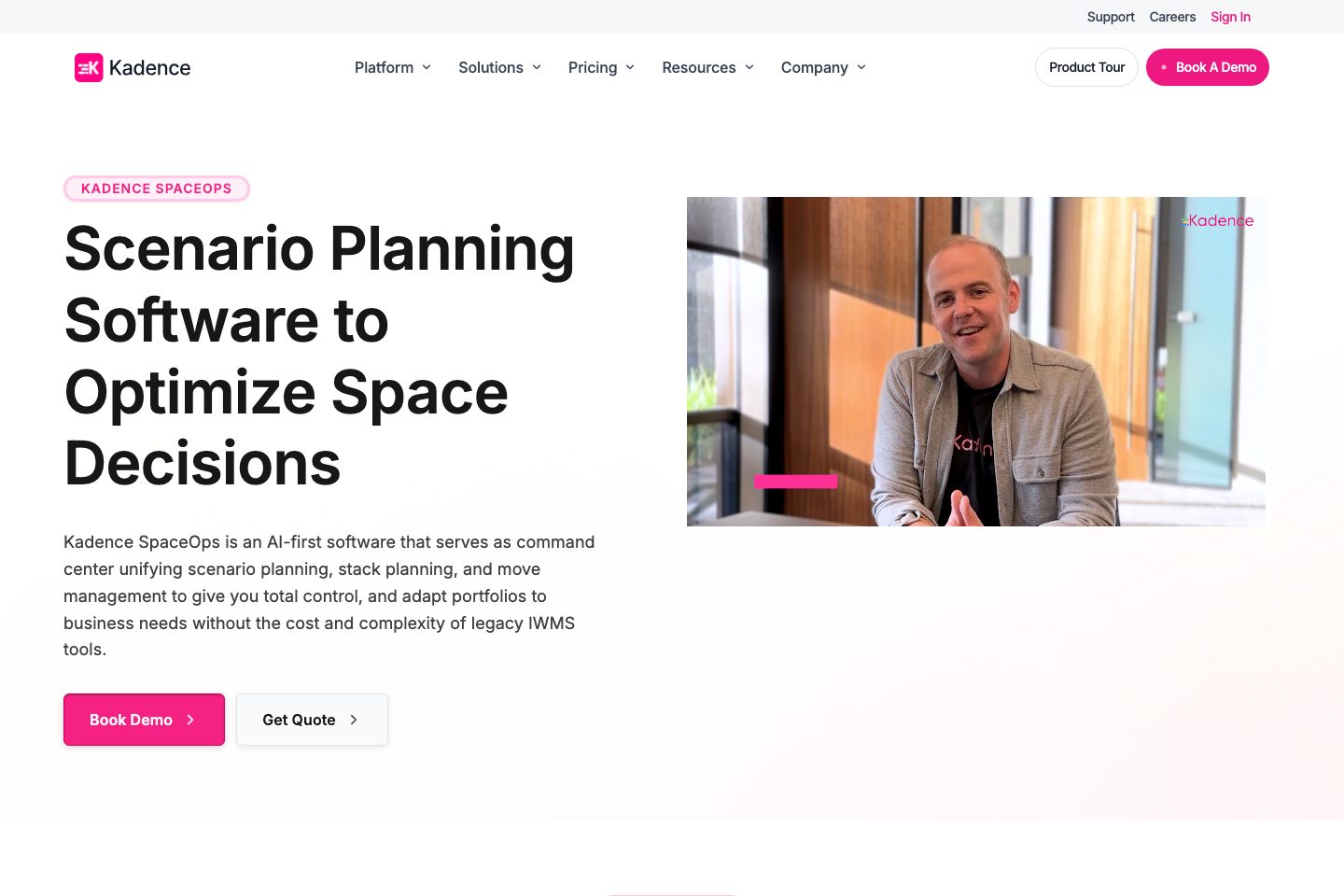
AI-powered scenario and space planning, stack planning and move management; integrates presence data from visitor management.
- AI-driven scenario planning
- Occupancy modelling and move scheduling
- Feeds from Visitor Management for space decisions
Pro (referenced)
Pro plan covers core features in one price; mentioned as charged per active user.
- Covers desk & room booking, visitor management and scheduling
- Positioned for growing organisations
Enterprise (referenced)
Enterprise tier with custom integrations, pricing and support for large organisations.
- Custom integrations and pricing
- Centralized governance and multi-region controls
Comparison data
Published signals used in the Overall Score ranking.
- Free access
- Free trial
- Mobile apps
- iOS and Android
- Pricing approach
- Custom quote
- Deployment complexity
- Guided setup
- Hardware requirement
- Optional kiosk
Customer review summary
What users like
- Easy to use
- Helpful support
- Useful reporting
- Clear visibility of colleagues, desks, and office occupancy
- Desk and meeting-room booking
- Desk and room booking
What users dislike
- Pricing concerns
- Calendar-style booking views and Office 365 linkage could be improved
- Certain features and user guides have historically been incomplete
- Limited granular scheduling (for example, half-day/hourly blocking) and limited booking notes/labels
- Limited reporting
- Missing or developing features and requested integrations
Review sources
Deployment & integrations
- Web application
- Mobile app (iOS & Android)
- Self-service kiosks (on-premise devices)
- Centralized cloud service (multi-site management)
- Microsoft Teams
Security, compliance & support
- Encrypted visitor records and centralized storage
- Regional policy controls for governance
- Single Sign-On with Active Directory & SCIM
- 99. 9% uptime SLA
- Audit-ready logs for incident response
