
VisitorLog.io
visitorlog.io
- Last scraped (UTC)
- 13 Aug 2026
- Product analysis updated
- 1 Oct 2026
- Sources
- 8
- Evidence confidence
- Medium
Product media
Directory editorial analysis
What to know about VisitorLog.io
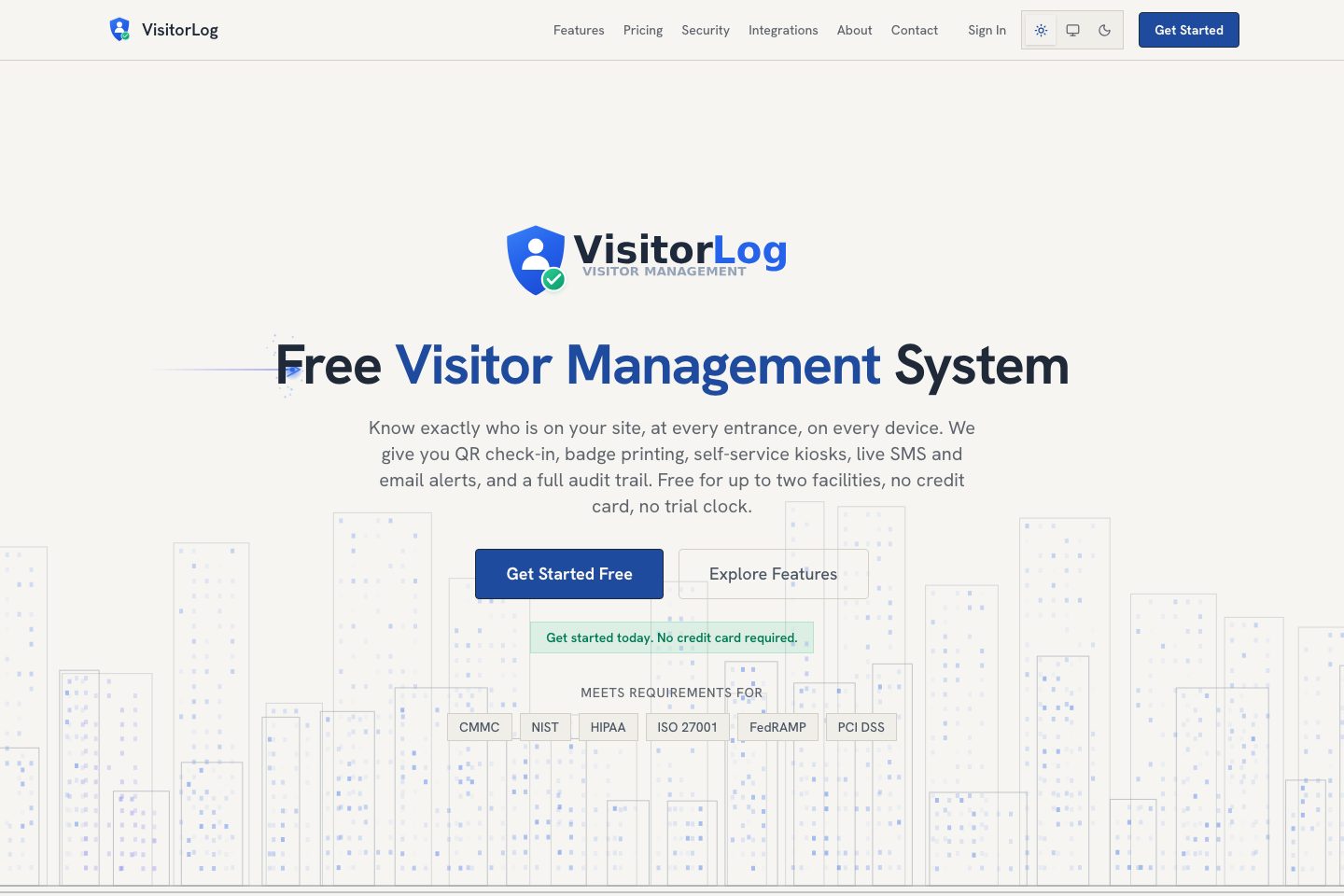
VisitorLog. io targets organisations that need a compliance-minded, low-cost visitor-management solution that can be deployed quickly. The platform emphasises frictionless QR check-in and kiosk modes, automatic badge printing, three per-facility security tiers (including ID capture and host approval), a complete immutable audit trail, and developer-friendly integrations (REST API, webhooks, SSO). The free tier covers up to two facilities with full features and unlimited visitors, making it attractive for single-site or small multi-site deployments. Larger or mission-critical rollouts can pursue custom plans with SLAs and priority support. Key verification points for buyers include regional hosting, backup/DR specifics, and data residency.
- Best for
- Best for single-site and small multi-site organisations that prioritise fast deployment and compliance-ready logs.
- Known strength
- Customizable workflows and features — Customers value the flexible feature set and the vendor’s willingness to customize the system.
Strengths
- Customizable workflows and features — Customers value the flexible feature set and the vendor’s willingness to customize the system.
- Responsive customer support — Reviewers describe support as helpful, responsive, and willing to assist with customization.
- Easy setup and operation — Customers report that the system is straightforward to configure and use.
- Efficient visitor check-in — Users appreciate quick visitor registration, badge printing, host notifications, and support for unattended reception.
- Reduced paper administration — Customers report replacing paper visitor records with digital check-in.
Fit considerations
- Feature-rich interface can be difficult to navigate — Some users find functions harder to locate and report a learning curve because of the number of features.
- Setup can take time — Some reviewers indicate that configuring the system may require substantial time.
- Kiosk recognition reliability issues — Some customers report that the kiosk occasionally fails to recognize head movements.
- Touch-screen and text usability concerns — Some users find the on-screen text or touch-screen interaction difficult.
- Error correction and logout friction — Reviewers report difficulty correcting certain errors or logging out.
Questions to ask
- Where are customer data hosted (region / cloud provider) and is regional hosting available?
- What backup, disaster recovery, and SLA terms apply to custom enterprise plans?
- How well does VisitorLog. io match your busiest visitor, contractor, or reception workflow?
- Which locations, teams, and visitor types should be included in the first rollout?
Implementation notes
- Small deployments can be self-served: sign up, add facility, print QR code, and start using QR check-in and browser kiosks
- Badge printing can be staged: begin with standard browser printing then enable QZ Tray and Brother QL printers for silent auto-print when ready
- For automated workflows, plan to integrate using the REST API or webhooks and configure per-facility Twilio credentials for SMS routing
Scoring criteria
How VisitorLog.io scores
Scores follow an editorial model benchmarked against VisitUs, which has fixed category and overall scores. Other products are calculated from their captured data. Public scores are intended as comparison prompts alongside your own procurement needs.
Customer review sentiment
4. 5/5 from 21 published reviews across 3 sources, with 70 stored feedback themes
18 point weighting · 21 reviews across review sourcesVisitor and contractor workflows
6 visitor, contractor, badge, host, delivery, identity, and QR workflow signals
10 point weighting · Published vendor and profile signalsEvacuation management
2 evacuation, mustering, roll-call, occupancy, or emergency signals
7 point weighting · Published vendor and profile signalsAdvanced reporting
3 reporting, analytics, audit, export, or visitor-history signals
7 point weighting · Published vendor and profile signalsPublished feature breadth
8 documented capabilities
10 point weighting · Published vendor and profile signalsMobile and kiosk flexibility
Android and iOS; Optional kiosk
8 point weighting · Published vendor and profile signalsOngoing free access
Free access signal published
6 point weighting · Published vendor and profile signalsDeployment and integrations
7 published deployment and integration options
7 point weighting · Published vendor and profile signalsIndustry coverage
9 documented sectors
5 point weighting · Published vendor and profile signalsSource coverage
8 vendor pages analysed, 3 review sources captured
5 point weighting · 8 source pages analysedVisitor management focus
100% fit against visitor-management-specific positioning signals
5 point weighting · Published vendor and profile signalsAccess-control integrations
No access-control integration evidence captured
5 point weighting · Published vendor and profile signalsRegional hosting and data residency
Regional hosting signal published
3 point weighting · Published vendor and profile signalsPricing transparency
2 published pricing plans
4 point weighting · Published vendor and profile signalsA lower score can mean the directory found less public evidence, not that a product cannot support the workflow. Use these criteria as shortlist prompts alongside your own procurement needs.
Overview
VisitorLog. io is a cloud visitor-management platform offering QR-based self check-in, browser and Android kiosk modes, automatic badge printing, real-time email/SMS notifications, delivery tracking, and analytics.
The product includes three configurable security screening tiers (Standard, Enhanced with ID/NDA capture, and High Security with host approval), an immutable audit trail, per-facility settings and branding, and a REST API plus webhooks for automation. io/, )
Target industries
Key capabilities
Immutable Audit Trail
Every visitor action logged with timestamps, IP addresses, and user attribution; exportable and immutable.
Security Screening Modes
Three per-facility screening levels: Standard, Enhanced (ID/NDA), and High Security (host authorization).
QR Code Check-In
Each facility gets a unique QR code for visitor self check-in via phone browser (no app required).
Self-Service Kiosk (Browser & Android)
Browser kiosk mode across major platforms and an Android 10+ kiosk app turn tablets into check-in kiosks.
Analytics & Scheduled Reporting
Dashboards for traffic trends, hourly heatmaps, facility comparisons, CSV export and scheduled reports.
Badge Printing
Automatic, silent badge printing via QZ Tray with 300 DPI rendering and Brother QL printer support.
REST API & Webhooks
REST API v3 with scoped tokens, OpenAPI docs, and HMAC-SHA256-signed webhooks on check-in/checkout.
Real-time Notifications
Instant email and SMS alerts (Twilio) with per-facility routing, templates, and checkout reminders.
Pricing and plan limits
- Product analysis updated
- 1 Oct 2026
- Pricing checked
- Not separately checked
- Evidence refreshed
- 1 Nov 2026
Pricing has not been separately verified. Confirm currency, billing term, hardware, SMS, onboarding, integrations and taxes.
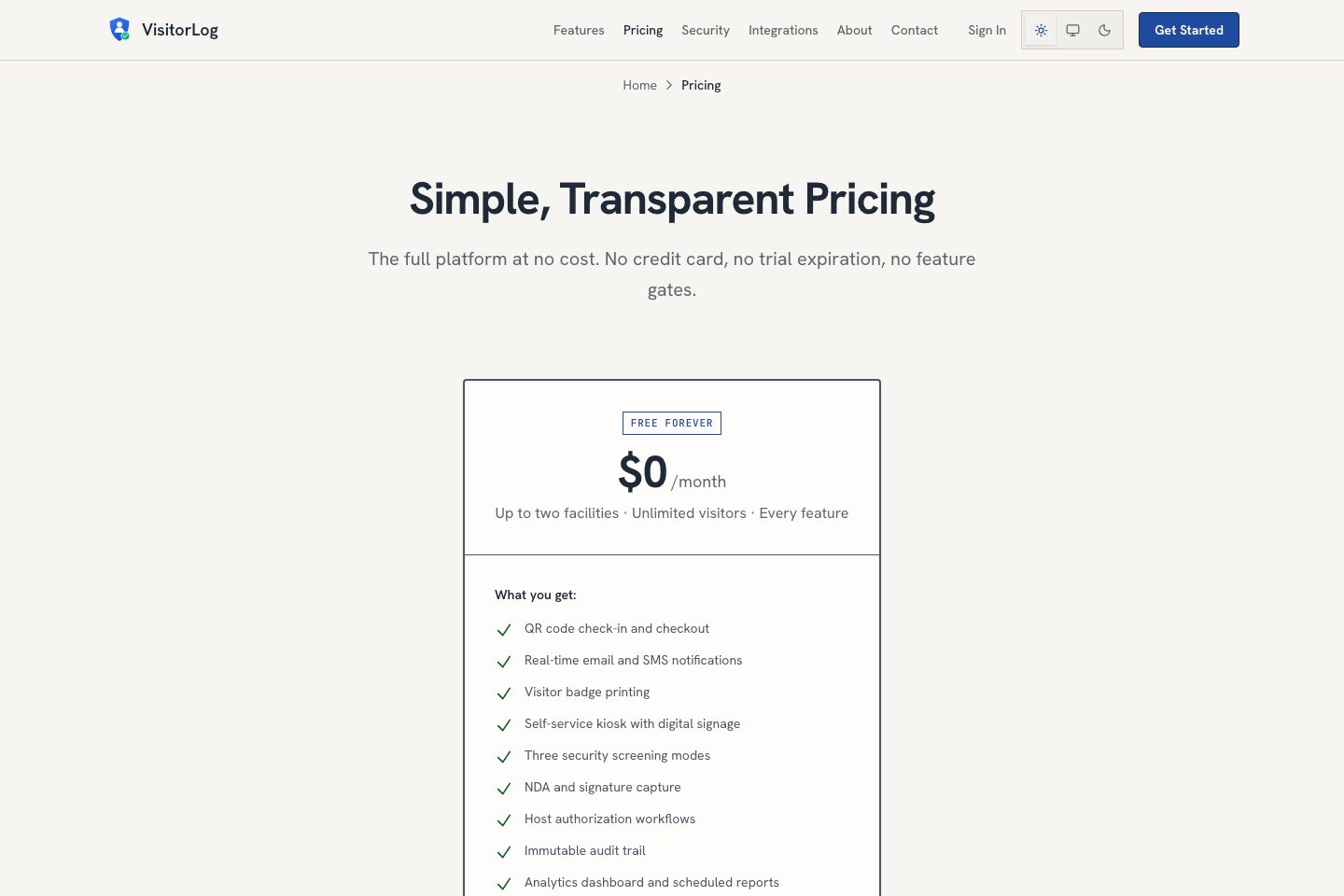
Free Forever
$0Currency not confirmed · month · per account (up to two facilities)
- Up to two facilities · Unlimited visitors · Every feature
- Includes REST API, webhooks, SSO, audit trail, badge printing
Custom / Enterprise
customCurrency not confirmed · custom · contact sales
- Dedicated support and SLAs
- Priority feature requests
Core platform is free for up to two facilities with unlimited visitors and up to 300 staff users; organisations needing more facilities are offered custom plans with dedicated support and SLAs. (https://visitorlog.io/pricing/)
Subscription estimate
A comparable annual total needs a confirmed currency, price, billing term and location allowance.
Subscription only. Excludes hardware, taxes, SMS overages, onboarding and additional modules. No currency conversion.Evidence behind the profile
Documented means a public source makes the claim; it does not mean an independent product test. Inferred claims need confirmation.
8 documented · 0 inferred · 0 unresolved claims
- Documented claim — Free for up to two facilities with unlimited visitor check-ins and up to 300 staff users
- Documented claim — Android kiosk app (Android 10+); browser kiosk supported on iPad and other platforms
- Documented claim — REST API v3 with OpenAPI documentation and scoped tokens
- Documented claim — Immutable audit trail logging every visitor action with timestamps, IP addresses, and user attribution
- Documented claim — ID scanning supports 7+ document types including passport, driver license, CAC, PIV, and TWIC
- Documented claim — Live dashboard shows who is currently on site to support accountability during evacuations
- Documented claim — Badge printing integrates with Brother QL-820NWB and QZ Tray for silent printing
- Documented claim — Email support and help documentation included; priority support available on custom plans
Comparison data
Published signals used in the Overall Score ranking.
- Mobile apps
- Android and iOS
- Pricing approach
- Custom quote
- Deployment complexity
- Self serve
- Hardware requirement
- Optional kiosk
Customer review summary
Captured themes from the linked review sources; these are summaries, not verbatim quotations or a representative customer survey. Source totals may overlap. Editorial strengths and fit considerations are shown separately in our buyer analysis.
What users like
- Customizable workflows and features — Customers value the flexible feature set and the vendor’s willingness to customize the system. (Source: Capterra)
- Responsive customer support — Reviewers describe support as helpful, responsive, and willing to assist with customization. (Source: Capterra)
- Easy setup and operation — Customers report that the system is straightforward to configure and use. (Source: Capterra)
- Efficient visitor check-in — Users appreciate quick visitor registration, badge printing, host notifications, and support for unattended reception. (Source: Capterra)
- Reduced paper administration — Customers report replacing paper visitor records with digital check-in. (Source: Capterra)
- customizable workflows and features
What users dislike
- Feature-rich interface can be difficult to navigate — Some users find functions harder to locate and report a learning curve because of the number of features. (Source: Capterra)
- Setup can take time — Some reviewers indicate that configuring the system may require substantial time. (Source: Capterra)
- Kiosk recognition reliability issues — Some customers report that the kiosk occasionally fails to recognize head movements. (Source: Capterra)
- Touch-screen and text usability concerns — Some users find the on-screen text or touch-screen interaction difficult. (Source: Capterra)
- Error correction and logout friction — Reviewers report difficulty correcting certain errors or logging out. (Source: Capterra)
- the broad feature set can make functions harder to locate
Review evidence last checked: 1 Nov 2026. Individual theme capture dates are not recorded.
Review sources
Deployment & integrations
- Up and running in minutes: sign up, add facility, print QR code; browser kiosk or Android app for devices.
- REST API v3 (OpenAPI 3. 0)
- Webhooks (HMAC-SHA256 signed)
- Twilio SMS (per-facility credentials)
- Google SSO
Security, compliance & support
- Immutable audit trail with timestamps and IP addresses
- Compliance mapping for CMMC, NIST 800-171, HIPAA, ISO 27001, FedRAMP, PCI DSS
- ID scanning for 7+ document types (passport, driver license, CAC, PIV, TWIC, state ID)
- Tenant isolation using physically separate SQLite databases per organisation
- Configurable data retention and GDPR controls including exports and organization-wide wipe
