
Inside
atfrontdesk.com
- Last checked
- 1 Sept 2026
- Sources
- 20
- Evidence confidence
- Medium
Product media
Buyer notes
What to know about Inside
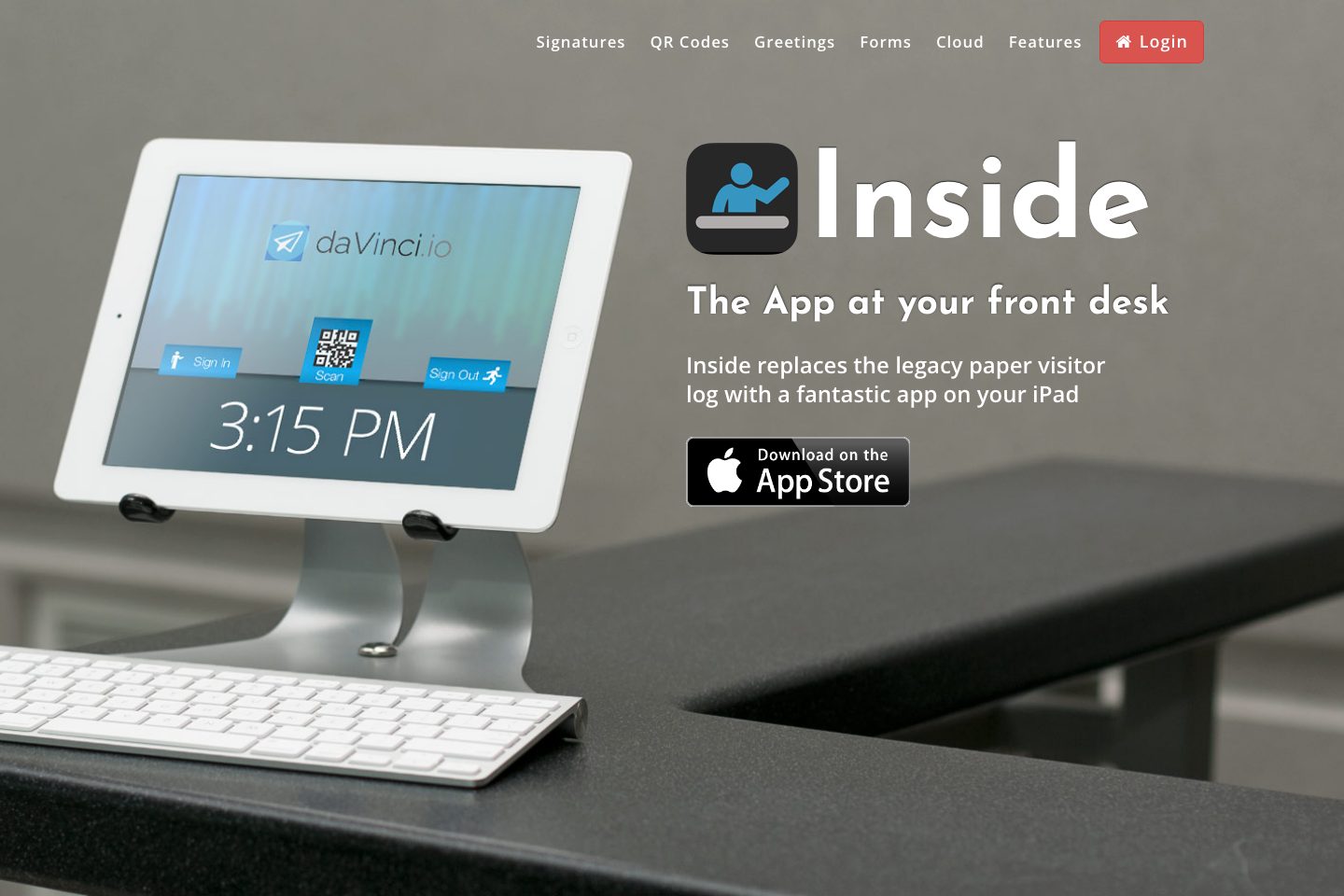
Inside is an iPad-first visitor management app that replaces paper logbooks with a cloud-backed solution supporting multiple iPads and locations. It emphasizes quick QR-based check-ins, custom forms, guest photos, badge printing, and email notifications, with CSV export for reporting. The vendor lists a free edition and a paid Enterprise edition billed per location monthly or annually. The product is positioned for organizations wanting a simple, branded front-desk experience on iPads with cloud syncing and basic integrations such as employee directory support.
- Best for
- Small and medium offices replacing paper sign-in who need iPad-based kiosks
- Known strength
- easy visitor sign-in (QR-code check-in and preregistration)
Strengths
- easy visitor sign-in (QR-code check-in and preregistration)
- simple web interface / easy to use
- quick setup and deployment
- customizable forms and settings
- cost-effective / affordable
Fit considerations
- slow loading
- poor interface design
- support limited to email (no phone support)
- concerns about long-term storage of guest data
- slow loading performance
Questions to ask
- Where are visitor records hosted (region, cloud provider) and what encryption standards are used?
- Does the product support SSO/SCIM or API access for directory sync beyond the stated employee directory support?
- Are evacuation lists and real-time export/alerts available for emergency mustering?
- How well does Inside match your busiest visitor, contractor, or reception workflow?
- Which locations, teams, and visitor types should be included in the first rollout?
Implementation notes
- Plan for iPad provisioning and mounting/printing hardware where badge printing is required (site references iPad use and badge printing)
- Use the free tier to pilot workflows across one or more locations before purchasing per-location Enterprise licences
Scoring criteria
How Inside scores
Every system is scored against the same published-data criteria. Public scores are intended as comparison prompts alongside your own procurement needs.
Customer review sentiment
4. 5/5 from 17 published reviews across 2 sources, with 62 stored feedback themes
18 point weighting · 17 reviews across review sourcesVisitor and contractor workflows
5 visitor, contractor, badge, host, delivery, identity, and QR workflow signals
10 point weighting · Published vendor and profile signalsEvacuation management
No evacuation management evidence captured
7 point weighting · Published vendor and profile signalsAdvanced reporting
3 reporting, analytics, audit, export, or visitor-history signals
7 point weighting · Published vendor and profile signalsPublished feature breadth
8 documented capabilities
10 point weighting · Published vendor and profile signalsMobile and kiosk flexibility
iOS; Optional kiosk
8 point weighting · Published vendor and profile signalsOngoing free access
Published ongoing free plan
6 point weighting · Published vendor and profile signalsDeployment and integrations
2 published deployment and integration options
7 point weighting · Published vendor and profile signalsIndustry coverage
5 documented sectors
5 point weighting · Published vendor and profile signalsSource coverage
20 vendor pages analysed, 2 review sources captured
5 point weighting · 20 source pages analysedVisitor management focus
100% fit against visitor-management-specific positioning signals
5 point weighting · Published vendor and profile signalsAccess-control integrations
No access-control integration evidence captured
5 point weighting · Published vendor and profile signalsRegional hosting and data residency
No public evidence captured yet
3 point weighting · Published vendor and profile signalsPricing transparency
3 published pricing plans
4 point weighting · Published vendor and profile signalsA lower score can mean the directory found less public evidence, not that a product cannot support the workflow. Use these criteria as shortlist prompts alongside your own procurement needs.
Overview
Inside replaces paper visitor logs with an iPad-based front desk app that captures sign-in/sign-out, custom forms, QR code check-ins, guest photos and badge printing. It supports multiple iPads, offices and locations with cloud storage, offers CSV reporting and email notifications, and includes branded greetings and employee directory support.
A free tier is available alongside an Enterprise edition billed monthly or annually. The site highlights privacy and signed NDAs/disclosures for guests and advertises a free trial for the paid edition. com)
Best for
- Small-to-midsize offices wanting to replace paper visitor logs
- Organizations needing quick QR-based guest processing
- Locations that require guest photography and badge printing
- Teams that want cloud-synced visitor records across multiple iPads
- Buyers seeking a low-cost entry (free plan) with an optional paid tier
Target industries
Key capabilities
Security & compliance
Site states 'Secure and trusted' and highlights privacy; supports signed NDAs and disclosures
Integrations
Employee directory support to link visitors with internal contacts
Reporting
CSV reporting export of visitor records
Visitor journey
Signin and signout processing on iPad with guest photographs and badge printing
QR check-in
Creates, sends, and scans QR codes for quick guest processing
Custom forms
Custom forms per location to collect relevant information from guests
Notifications
Email notifications and rich-text messages per location to notify hosts
Deployment
Supports multiple iPads, offices and locations with cloud support
Pricing
Site lists a free 'INSIDE APP' tier and an 'ENTERPRISE EDITION' priced per location monthly or annually. Do not infer discounts or seat-based pricing beyond stated per-location rate.
INSIDE APP (Free)
Free tier of the iPad front-desk app
- Free forever plan listed on site
ENTERPRISE EDITION (monthly)
Paid Enterprise tier priced per location
- Listed as $9. 99/month per location on site
ENTERPRISE EDITION (annual)
Annual billing option for Enterprise edition
- Listed as $100 annually per location on site
Comparison data
Published signals used in the Overall Score ranking.
- Free access
- Ongoing free plan
- Mobile apps
- iOS
- Pricing approach
- Fixed tiers
- Deployment complexity
- Self serve
- Hardware requirement
- Optional kiosk
Customer review summary
What users like
- Easy to use
- Smooth visitor check-in
- Customizable forms and settings
- Helpful support
- Reliable host notifications
- Attractive appearance
What users dislike
- Reliability or performance issues
- Poor interface design
- Concerns about long-term storage of guest data
- Customization limits
- Internet-readable traffic concerns
- Limited integrations
Review sources
Deployment & integrations
- Cloud-hosted app with support for multiple iPads and locations
- Employee directory support
Security, compliance & support
- Support for signed NDAs and disclosures for visitors
- Site messaging states 'Secure and trusted' and references privacy
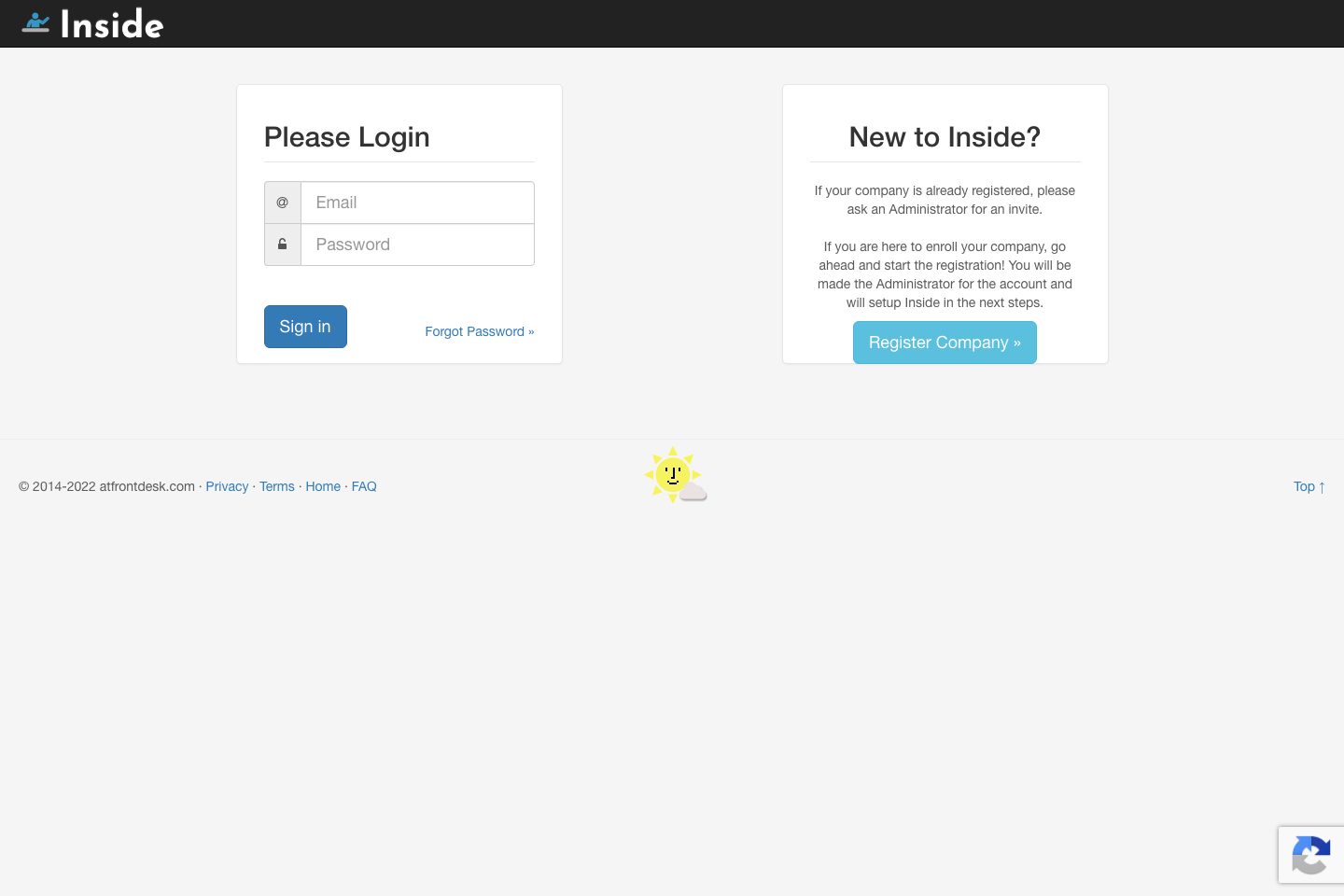
- Self-service company registration via the product 'Register Company' flow
- Install App call-to-action indicates local iPad app installation
