
intheOffice
www.intheoffice.io
- Last checked
- 1 Sept 2026
- Sources
- 6
- Evidence confidence
- Medium
Product media
Buyer notes
What to know about intheOffice
intheOffice suits organisations seeking an integrated hybrid workplace tool that combines scheduling, desk/room booking and visitor management with Microsoft 365 connectivity. It is attractive for offices and multi-tenant buildings because it supports pre-registered visitors, QR and kiosk check-ins, automatic host notifications and a live on-site register useful for H&S and evacuation visibility. The commercial model is flexible pay-as-you-go (per-user pricing) with a free starter account and 14-day trials.
- Best for
- Organisations running hybrid workplaces that need combined scheduling, desk booking and visitor check-in
- Known strength
- saves teams time
Strengths
- saves teams time
- clear overview of remote and office-based workers
- supports advance scheduling and holiday planning
- responsive and polite support
- clear overview of remote vs office-based workers
Questions to ask
- How well does intheOffice match your busiest visitor, contractor, or reception workflow?
- Which locations, teams, and visitor types should be included in the first rollout?
- What reporting, notifications, and emergency workflows matter most for your sites?
Implementation notes
- Plan for guided onboarding and demo sessions; the vendor advertises complete onboarding and ongoing support
- Decide whether to use smartphone QR check-in (no hardware) or deploy kiosk tablets for permanent receptions
Scoring criteria
How intheOffice scores
Every system is scored against the same published-data criteria. Public scores are intended as comparison prompts alongside your own procurement needs.
Customer review sentiment
3. 5/5 from 1 published reviews across 1 source, with 20 stored feedback themes
18 point weighting · 1 review across review sourcesVisitor and contractor workflows
4 visitor, contractor, badge, host, delivery, identity, and QR workflow signals
10 point weighting · Published vendor and profile signalsEvacuation management
2 evacuation, mustering, roll-call, occupancy, or emergency signals
7 point weighting · Published vendor and profile signalsAdvanced reporting
3 reporting, analytics, audit, export, or visitor-history signals
7 point weighting · Published vendor and profile signalsPublished feature breadth
8 documented capabilities
10 point weighting · Published vendor and profile signalsMobile and kiosk flexibility
No public evidence captured yet
8 point weighting · Published vendor and profile signalsOngoing free access
Free trial published
6 point weighting · Published vendor and profile signalsDeployment and integrations
4 published deployment and integration options
7 point weighting · Published vendor and profile signalsIndustry coverage
6 documented sectors
5 point weighting · Published vendor and profile signalsSource coverage
6 vendor pages analysed, 1 review source captured
5 point weighting · 6 source pages analysedVisitor management focus
100% fit against visitor-management-specific positioning signals
5 point weighting · Published vendor and profile signalsAccess-control integrations
No access-control integration evidence captured
5 point weighting · Published vendor and profile signalsRegional hosting and data residency
Regional hosting signal published
3 point weighting · Published vendor and profile signalsPricing transparency
4 published pricing plans
4 point weighting · Published vendor and profile signalsA lower score can mean the directory found less public evidence, not that a product cannot support the workflow. Use these criteria as shortlist prompts alongside your own procurement needs.
Overview
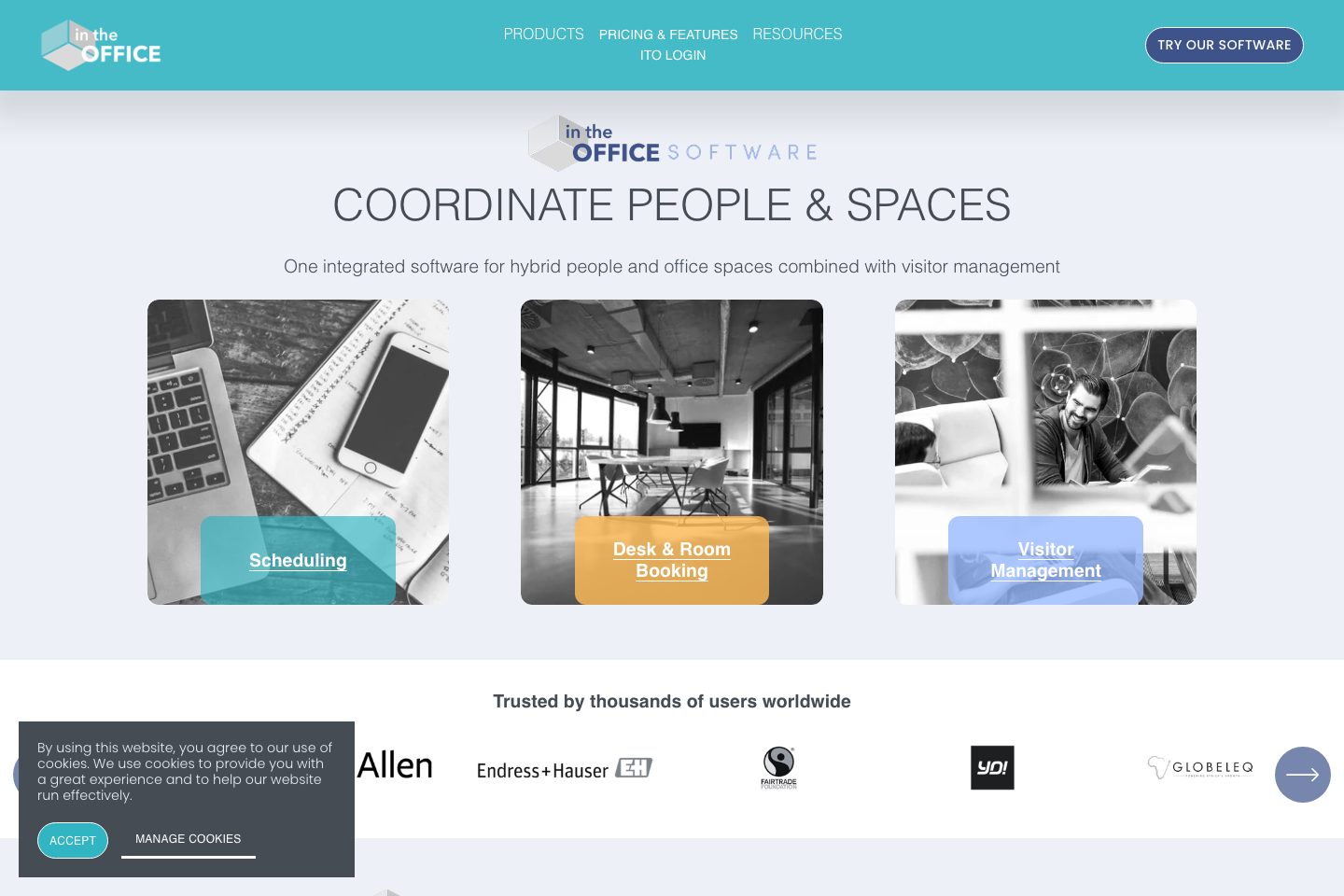
intheOffice provides an integrated hybrid workplace platform combining scheduling, desk & room booking, and visitor management. The visitor module supports pre-registration, virtual reception via kiosk or QR-code check-in, automatic host notifications, multi-tenant landlord/tenant controls, and a live health & safety register to show who is on site.
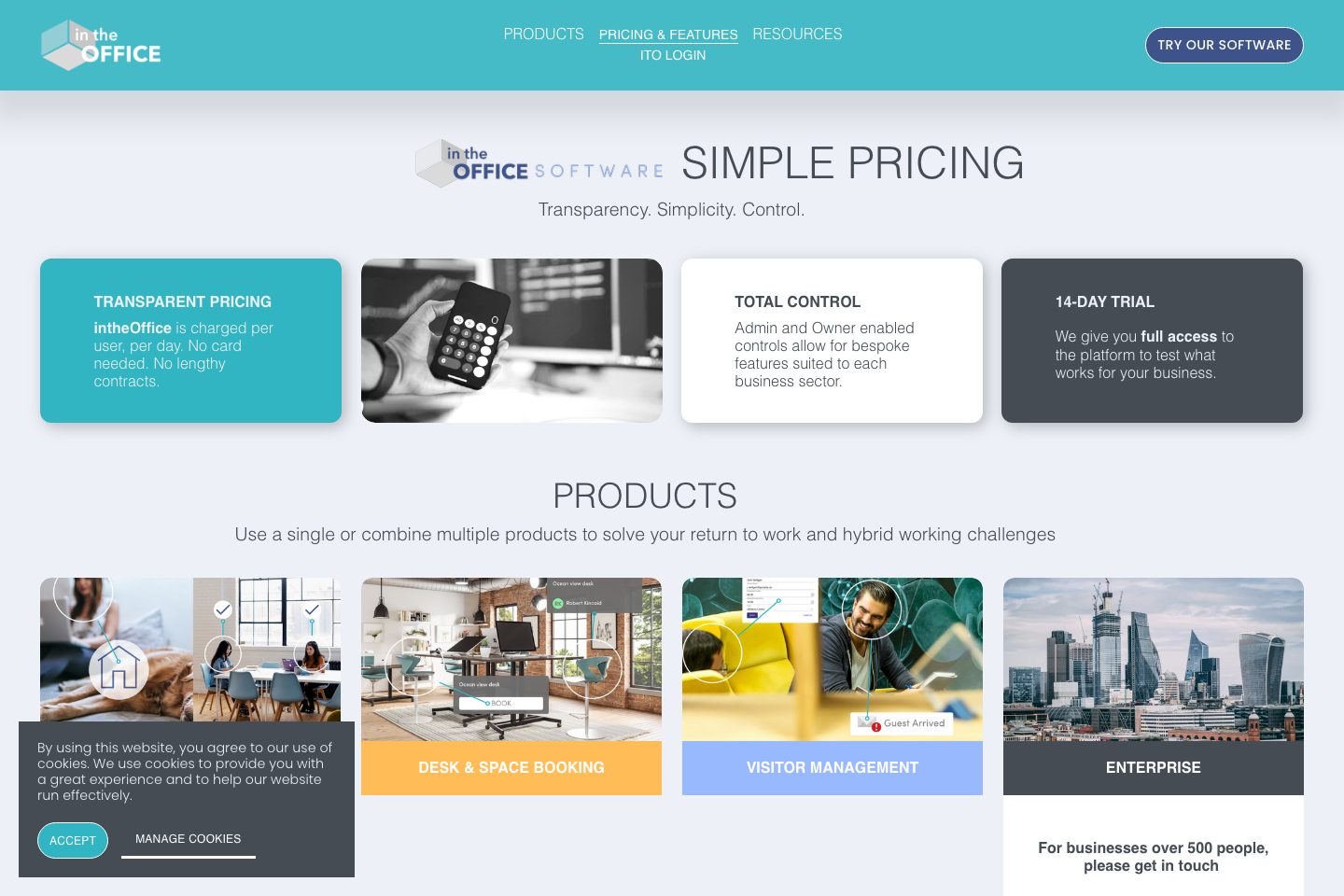
The service is offered as flexible pay-as-you-go pricing (per user, per day/month), a free £0 account to start, and a 14-day trial. Onboarding and ongoing product support are provided, and Microsoft 365 integration (SSO, Teams, Outlook) is highlighted for calendar and authentication workflows.
The product targets organisations coordinating people and spaces for hybrid work in single or multi-tenant buildings.
Best for
- Workplace teams managing hybrid schedules and desk/room bookings
- Office managers needing integrated visitor check-in and host notifications
- Health & Safety officers wanting a live on-site register
- Landlords or property managers operating multi-tenant buildings
- Teams seeking Microsoft 365 integration for calendar/SSO workflows
Target industries
Key capabilities
Landlord / multi-tenant controls
Manage multiple tenants and tenants’ visitors across a multi-tenant building.
Microsoft 365 integration
Integrates with Microsoft 365 for SSO and with Teams/Outlook for scheduling and bookings.
Virtual reception (kiosk / forms)
Device-agnostic virtual reception forms for check-in on PC or tablet (kiosk) or QR code scan.
Automatic host notifications
Notify one or multiple hosts instantly when a visitor completes kiosk/QR check-in.
No specialist hardware required
Supports smartphone camera QR scanning and device-agnostic kiosks—no specialist equipment required.
Pre-registration & invites
Allow hosts to pre-book visitors and guests for arrival using invites and bookings.
QR code check-in
Generate and use QR codes to let visitors check in via smartphone camera.
Live team & H&S register
Real-time register showing who is in the office for health & safety and fire warden needs.
Pricing
Advertised as per-user, per-day (or per-month pricing shown on feature pages); offers a £0 starter account and 14-day trials with no card required.
£0 starter account
Start with a £0 account giving access to basic features; Premium features can be toggled on with a free 7-day trial of those features.
- No card needed
- Pay-as-you-go control
Scheduling
Scheduling feature tier with daily statuses, capacity tracking and live register.
- 14-day trial
- No card needed
Desk & Space Booking
Desk & Space booking features including automatic cancellations and neighbourhoods.
- 14-day trial
- No card needed
Visitor Management
Visitor management tier with pre-registration, kiosk/QR check-in, host notifications and live register.
- 14-day trial
- No card needed
Comparison data
Published signals used in the Overall Score ranking.
- Free access
- Free trial
- Pricing approach
- Usage based
- Deployment complexity
- Guided setup
- Hardware requirement
- Optional kiosk
Customer review summary
What users like
- Helpful support
- Easy to use
- Offers fast and polite assistance
- Provides a clear overview of remote and office-based workers
- Reliable host notifications
- Saves users time
What users dislike
No negative review themes have been captured yet.
Review sources
Deployment & integrations
- software-only (device-agnostic kiosk or smartphone QR check-in; no specialist hardware required)
- Microsoft 365 (SSO)
- Microsoft Teams
- Microsoft Outlook
Security, compliance & support
- Live register for Health & Safety and evacuation visibility (on-site presence tracking)
- Multi-tenant visitor controls for landlord/tenant separation
- Complete onboarding from demo through setup (guided onboarding)
- Dedicated ongoing product support team available
