
SchoolPass
schoolpass.com/solutions/visitor-management
- Last scraped (UTC)
- 26 Oct 2026
- Product analysis updated
- 1 Nov 2026
- Sources
- 19
- Evidence confidence
- Medium
Product media
Directory editorial analysis
What to know about SchoolPass
SchoolPass is a purpose-built K-12 operations and safety platform that combines visitor sign-in, background/watchlist screening, badge/digital ID issuance, and student attendance into a single workflow. It emphasizes rapid deployment using an iPad and internet connection, SIS integrations for roster and attendance sync, and district-level administration for consistent policy enforcement. The product is strongest where schools need integrated dismissal, attendance and visitor tracking with event pre-registration and immediate badge printing. (Sources cited)
- Best for
- Single schools or districts seeking an integrated visitor + attendance + dismissal solution
- Known strength
- Automated dismissal and ride notifications — Customers say automatic ride-arrival updates and parent-managed dismissal changes make dismissal more coordinated and reduce front-office work.
Strengths
- Automated dismissal and ride notifications — Customers say automatic ride-arrival updates and parent-managed dismissal changes make dismissal more coordinated and reduce front-office work.
- Visitor tracking and campus safety — Reviewers value seeing who is on campus and say visitor check-in supports safety and emergency accountability.
- Efficient visitor check-in and check-out — Users rate self check-in, check-out, and badge management highly.
- easy visitor sign-in
- responsive support
Fit considerations
- Confusing administrative interface — Some administrators find the portal limited and difficult to navigate.
- Limited customization and administrative control — Some reviewers want more flexibility to change settings and customize the system.
- Technical and connectivity problems — Reviewers report occasional glitches, downtime, and printer connectivity issues.
- Cost concerns — Some reviewers consider the system costly relative to its capabilities or realized time savings.
- Learning curve — Some reviewers say the application takes time to learn, although support is available.
Questions to ask
- What are the pricing tiers, included features, and licensing model for single schools vs districts?
- How well does SchoolPass match your busiest visitor, contractor, or reception workflow?
- Which locations, teams, and visitor types should be included in the first rollout?
- What reporting, notifications, and emergency workflows matter most for your sites?
Implementation notes
- Plan SIS integration and SSO mapping early; SchoolPass advertises direct SIS sync to avoid manual imports
Scoring criteria
How SchoolPass scores
Scores follow an editorial model benchmarked against VisitUs, which has fixed category and overall scores. Other products are calculated from their captured data. Public scores are intended as comparison prompts alongside your own procurement needs.
Customer review sentiment
4. 3/5 from 22 published reviews across 4 sources, with 153 stored feedback themes
18 point weighting · 22 reviews across review sourcesVisitor and contractor workflows
5 visitor, contractor, badge, host, delivery, identity, and QR workflow signals
10 point weighting · Published vendor and profile signalsEvacuation management
2 evacuation, mustering, roll-call, occupancy, or emergency signals
7 point weighting · Published vendor and profile signalsAdvanced reporting
3 reporting, analytics, audit, export, or visitor-history signals
7 point weighting · Published vendor and profile signalsPublished feature breadth
8 documented capabilities
10 point weighting · Published vendor and profile signalsMobile and kiosk flexibility
iOS and Android; Optional kiosk
8 point weighting · Published vendor and profile signalsOngoing free access
No public evidence captured yet
6 point weighting · Published vendor and profile signalsDeployment and integrations
2 published deployment and integration options
7 point weighting · Published vendor and profile signalsIndustry coverage
8 documented sectors
5 point weighting · Published vendor and profile signalsSource coverage
19 vendor pages analysed, 4 review sources captured
5 point weighting · 19 source pages analysedVisitor management focus
80% fit against visitor-management-specific positioning signals
5 point weighting · Published vendor and profile signalsAccess-control integrations
2 access-control integration signals
5 point weighting · Published vendor and profile signalsRegional hosting and data residency
No public evidence captured yet
3 point weighting · Published vendor and profile signalsPricing transparency
Pricing page published
4 point weighting · Published vendor and profile signalsA lower score can mean the directory found less public evidence, not that a product cannot support the workflow. Use these criteria as shortlist prompts alongside your own procurement needs.
Overview
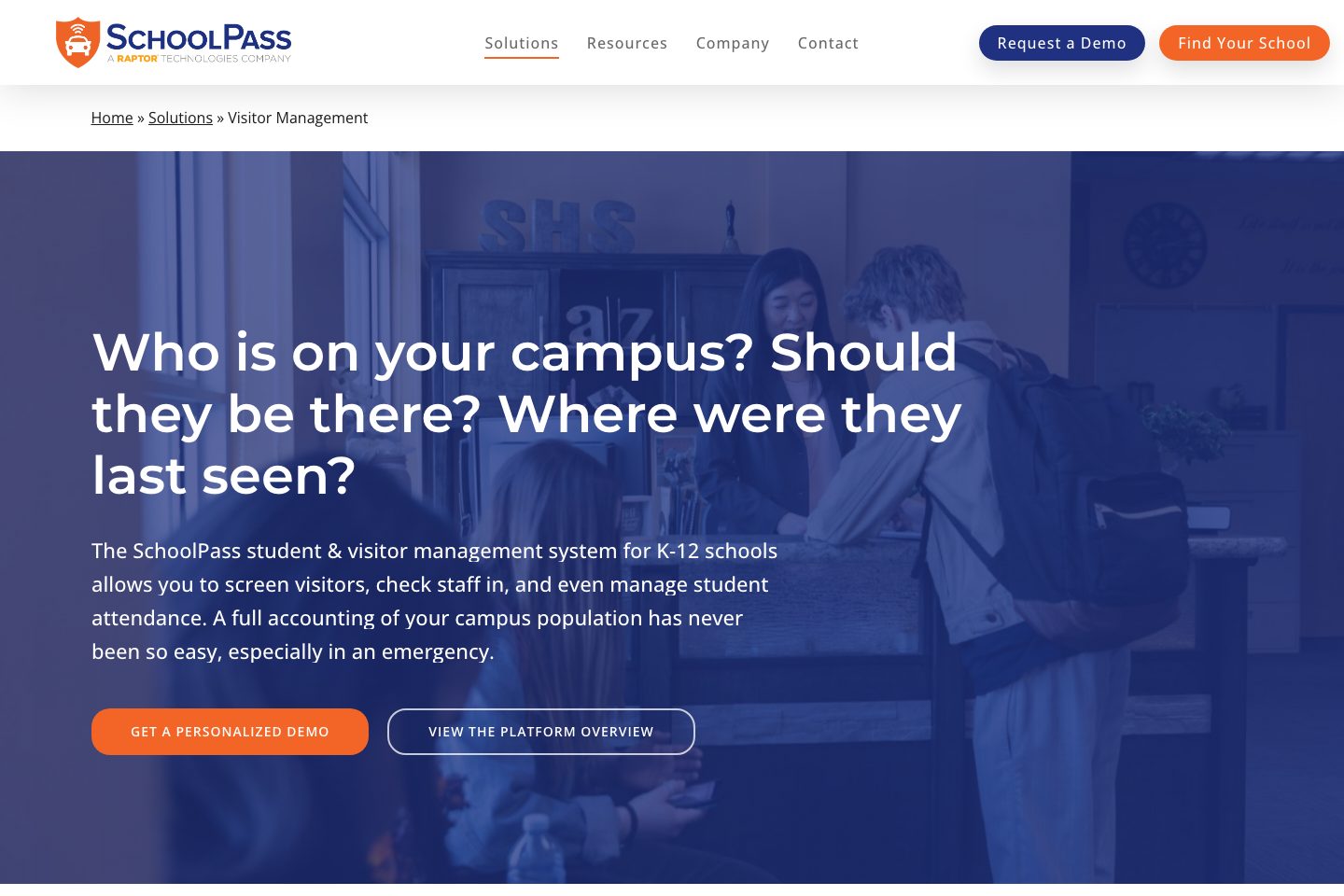
SchoolPass provides a K-12–focused visitor and campus operations platform that centralizes visitor screening, student attendance, dismissal and emergency attendance.
The visitor management component supports ID scanning/photo capture, badge printing, pre-registration, sex-offender and watchlist screening, digital IDs/QR codes/RFID, group sign-ins, and district-level reporting.
The system is designed to run with minimal hardware (an iPad and internet connection) and integrates with common student information systems to sync rosters and attendance. SchoolPass emphasizes real-time visibility of who is on campus and tools to support emergency accounting and multi-campus administration.
Best for
- K-12 schools wanting integrated visitor screening and student attendance
- District administrators managing multi-campus visitor and emergency reporting
- Front-office staff seeking faster check-in, badge printing and record searches
- Schools needing parental pickup validation and custody/watchlist alerts
- IT teams who require SIS integration for roster and attendance sync
Target industries
Key capabilities
Registered sex offender & watchlist checks
Screen visitors against national sex offender database and flag non-custodial or watchlisted individuals at sign-in.
Student attendance & hall-pass integration
Use the same system for day-level and per-period attendance, student check-in/out via QR/barcode/RFID and print tardy/dismissal slips.
Multi-campus & district reporting
Search sign-in history, maintain visitor compliance across a school or entire district, and export data for reporting.
Badge printing & digital IDs
Instant badge printing with QR codes and support for digital/mobile IDs, QuickPins, QR/barcodes, RFID and HID/NFC cards.
Visitor screening & ID capture
Scan picture IDs or take visitor photos during check-in; photos can be added to badges and printed or used for digital IDs.
Pre-registration & event check-in
Email pre-registration links for events to pre-screen visitors and deliver badges or digital IDs ahead of arrival.
Group sign-in/out
Support group-level sign-in/out to expedite processing of multiple visitors or volunteers.
Emergency attendance & real-time campus visibility
Provide real-time insight into who is currently on campus and last-seen locations to support drills and emergencies.
Pricing and plan limits
- Product analysis updated
- 1 Nov 2026
- Pricing checked
- Not separately checked
- Evidence refreshed
- 1 Nov 2026
Pricing has not been separately verified. Confirm currency, billing term, hardware, SMS, onboarding, integrations and taxes.
Pricing is unknown for this product. Request a current commercial proposal.
Evidence behind the profile
Documented means a public source makes the claim; it does not mean an independent product test. Inferred claims need confirmation.
8 documented · 0 inferred · 0 unresolved claims
- Documented claim — Visitor check-in supports picture ID scanning and photo capture that can be used on badges.
- Documented claim — System screens visitors against the most recent national sex offender database.
- Documented claim — No expensive hardware required—operation can run with an iPad and internet connection.
- Documented claim — Integrates with Student Information Systems (PowerSchool, Blackbaud, Veracross, Senior Systems) for roster and attendance sync.
- Documented claim — Provides real-time emergency attendance and lists to see who is on campus and where they were last seen.
- Documented claim — Includes searchable sign-in history and district-level visitor reporting and exports.
- Documented claim — Offers parent and staff mobile apps for schedule/attendance changes and check-ins.
- Documented claim — Allows collecting specific data and setting terms of entry for different visitor types (parents, contractors, volunteers).
Comparison data
Published signals used in the Overall Score ranking.
- Mobile apps
- iOS and Android
- Deployment complexity
- Guided setup
- Hardware requirement
- Optional kiosk
- Identity checks
- photo ID scan, photo capture, digital ID / QR / RFID
- Evacuation
- emergency attendance real-time accounting
- Contractors
- visitor types and contractor/volunteer validation; contractor-specific pages were limited by site access
- Reporting
- searchable sign-in history and district/school reporting exports
Customer review summary
Captured themes from the linked review sources; these are summaries, not verbatim quotations or a representative customer survey. Source totals may overlap. Editorial strengths and fit considerations are shown separately in our buyer analysis.
What users like
- Automated dismissal and ride notifications — Customers say automatic ride-arrival updates and parent-managed dismissal changes make dismissal more coordinated and reduce front-office work. (Source: Capterra)
- Visitor tracking and campus safety — Reviewers value seeing who is on campus and say visitor check-in supports safety and emergency accountability. (Source: G2)
- Efficient visitor check-in and check-out — Users rate self check-in, check-out, and badge management highly. (Source: GetApp)
- easy visitor sign-in
- responsive support
- easy dismissal management
What users dislike
- Confusing administrative interface — Some administrators find the portal limited and difficult to navigate. (Source: G2)
- Limited customization and administrative control — Some reviewers want more flexibility to change settings and customize the system. (Source: Capterra)
- Technical and connectivity problems — Reviewers report occasional glitches, downtime, and printer connectivity issues. (Source: G2)
- Cost concerns — Some reviewers consider the system costly relative to its capabilities or realized time savings. (Source: Capterra)
- Learning curve — Some reviewers say the application takes time to learn, although support is available. (Source: Software Advice)
- limited reporting customization
Review evidence last checked: 1 Nov 2026. Individual theme capture dates are not recorded.
Review sources
Deployment & integrations
- iPad + internet (minimal hardware) - quick on-site rollout indicated
- Student Information Systems (examples cited: PowerSchool, Blackbaud, Veracross, Senior Systems) - roster & attendance sync
Security, compliance & support
- Registered sex offender database screening during visitor check-in
- Campus watchlist and custody-violation alerts at sign-in
- District-level rules for flagged visitors
- Personalized demo and sales contact available via website
- Support assistance link provided
