

Envoy
envoy.com
- Last scraped (UTC)
- 9 Nov 2026
- Product analysis updated
- 1 Nov 2026
- Sources
- 25
- Evidence confidence
- High
Product media
Directory editorial analysis
What to know about Envoy
Envoy’s documented workflow runs from invitation or arrival through digital check-in, identity screening, document completion, host notification, badge issuance, access decisions, and audit-ready reporting. That end-to-end flow is its clearest buying differentiator: teams can combine visitor security, compliance evidence, emergency visibility, and workplace integrations in one process. The product is particularly relevant where visitor records must support audits or where facilities use blocklists, watchlists, temporary access, or contractor documentation. Envoy also extends beyond a single-company reception desk through its multi-tenant model, which gives property teams a centralized view while allowing tenants to control their own registration settings. The main fit consideration is scope: buyers seeking only a basic sign-in register may encounter a broader workplace platform than they need, while multi-site, regulated, and property-level operations can use more of the documented workflow.
- Best for
- Choose Envoy when visitor processing must combine screening, documentation, notifications, access, and reporting.
- Known strength
- Quick, user-friendly visitor check-in — Customers describe sign-in and registration as straightforward, with a smooth experience for visitors and staff.
Strengths
- Quick, user-friendly visitor check-in — Customers describe sign-in and registration as straightforward, with a smooth experience for visitors and staff.
- Automated host notifications — Reviewers value alerts that let hosts know when visitors arrive.
- Visitor pre-registration and remote badges — Reviewers find pre-registration smooth and appreciate using mobile badges for check-in.
- Digital visitor records and tracking — Users say visitor logs and digital tracking replace paperwork and help maintain clear records.
- Integrations with workplace tools — A reviewer values connections with Microsoft and Google workspaces and DocuSign for visit-related tasks.
Fit considerations
- High pricing and costly upgrades — Reviewers say the price can be hard to justify, especially for smaller organizations, and some capabilities require paid upgrades.
- Individual visitor sign-out is tedious — Customers want batch sign-out because handling visitors one at a time can be cumbersome after events.
- Connectivity can disrupt reception — Some users report that outages or weak internet interfere with reception operations.
- Printer and technical reliability problems — Reviewers report printer connectivity problems and other technical issues.
- Limited mobile administration — A reviewer says the mobile admin version has fewer tools than desktop, making some changes inconvenient.
Questions to ask
- Which visitor, contractor, tenant, and emergency workflows should be standardized across locations?
- Which access-control, calendar, communication, and identity systems must exchange visitor data?
- What reports, documents, retention rules, and audit evidence are required by each facility?
- Will check-in use staffed reception, tablets, kiosks, mobile workflows, or a combination?
- How well does Envoy match your busiest visitor, contractor, or reception workflow?
Implementation notes
- Define sign-in flows, required documents, screening rules, approval controls, badges, and host-notification channels before rollout.
- For multi-tenant buildings, establish property-level security permissions and tenant onboarding using the documented account-linking process.
- Map access-control and workplace integrations before configuring temporary access and visitor notifications.
Scoring criteria
How Envoy scores
Scores follow an editorial model benchmarked against VisitUs, which has fixed category and overall scores. Other products are calculated from their captured data. Public scores are intended as comparison prompts alongside your own procurement needs.
Customer review sentiment
4. 6/5 from 930 published reviews across 7 sources, with 219 stored feedback themes
18 point weighting · 930 reviews across review sourcesVisitor and contractor workflows
5 visitor, contractor, badge, host, delivery, identity, and QR workflow signals
10 point weighting · Published vendor and profile signalsEvacuation management
3 evacuation, mustering, roll-call, occupancy, or emergency signals
7 point weighting · Published vendor and profile signalsAdvanced reporting
3 reporting, analytics, audit, export, or visitor-history signals
7 point weighting · Published vendor and profile signalsPublished feature breadth
16 documented capabilities
10 point weighting · Published vendor and profile signalsMobile and kiosk flexibility
No public evidence captured yet
8 point weighting · Published vendor and profile signalsOngoing free access
Published ongoing free plan
6 point weighting · Published vendor and profile signalsDeployment and integrations
22 published deployment and integration options
7 point weighting · Published vendor and profile signalsIndustry coverage
14 documented sectors
5 point weighting · Published vendor and profile signalsSource coverage
25 vendor pages analysed, 7 review sources captured
5 point weighting · 25 source pages analysedVisitor management focus
100% fit against visitor-management-specific positioning signals
5 point weighting · Published vendor and profile signalsAccess-control integrations
2 access-control integration signals
5 point weighting · Published vendor and profile signalsRegional hosting and data residency
No public evidence captured yet
3 point weighting · Published vendor and profile signalsPricing transparency
Pricing page published
4 point weighting · Published vendor and profile signalsA lower score can mean the directory found less public evidence, not that a product cannot support the workflow. Use these criteria as shortlist prompts alongside your own procurement needs.
Overview
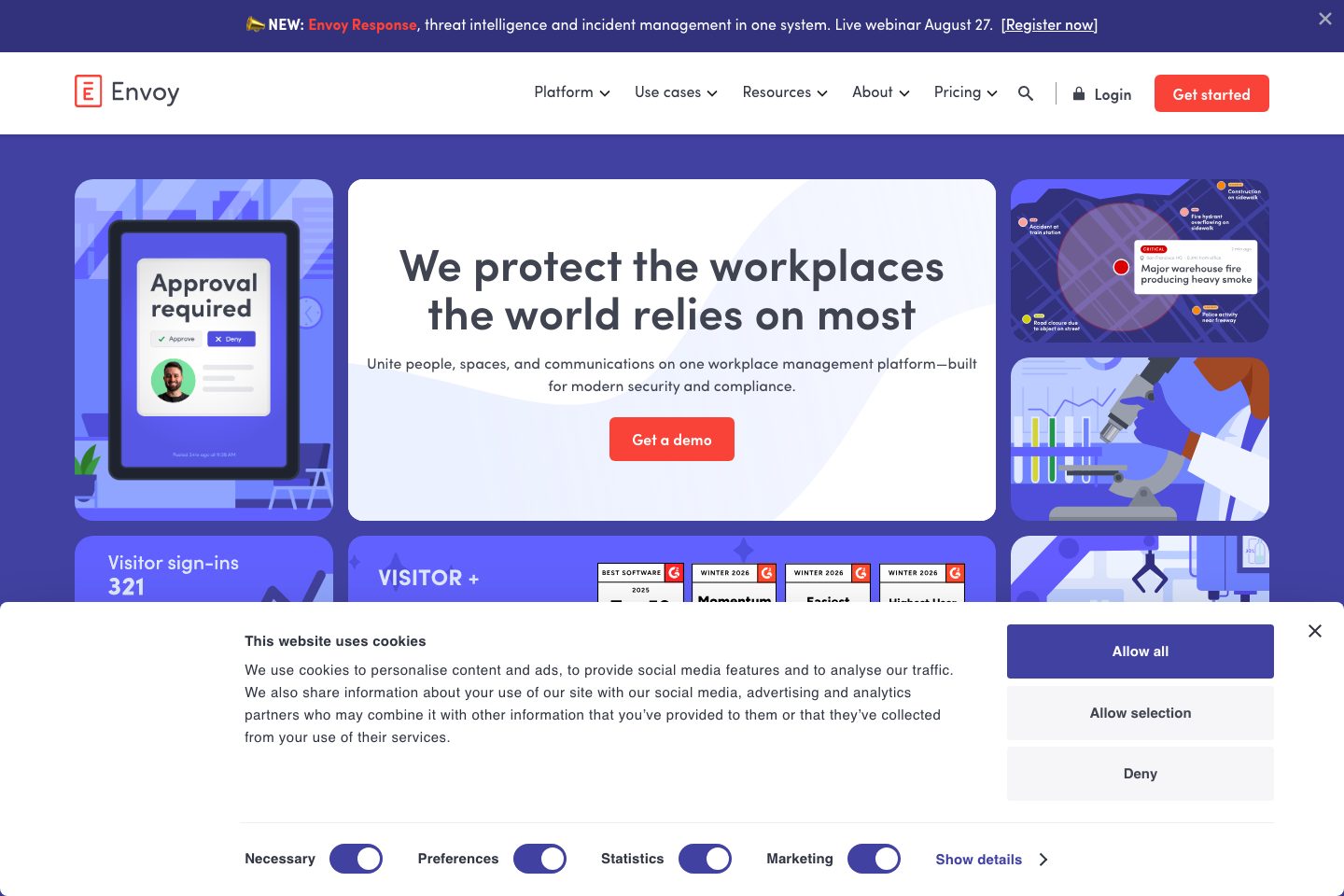
Envoy is a visitor-management platform for digital guest registration, screening, check-in, access workflows, notifications, and audit-ready records. Visitors can be pre-registered or sign in on a tablet or kiosk, complete required documents, receive badges, and trigger host notifications.
The platform also supports contractor documentation, including NDAs, quizzes, and training certifications. Envoy provides real-time onsite visibility and emergency notifications through SMS, email, or in-app channels.
Its multi-tenant offering centralizes visitors, tenants, approvals, analytics, and property-wide blocklists, while tenants can connect using a Basic free Envoy plan.
Best for
- Regulated workplaces needing audit-ready visitor records
- Organizations managing visitors across
- Data centers and manufacturing facilities
- Multi-tenant commercial properties and coworking spaces
- Security teams requiring identity screening and blocklists
Target industries
Key capabilities
Identity verification
Scan IDs and check visitors against internal blocklists and third-party watchlists.
Property-wide blocklists
Screen visitors against a blocklist across a multi-tenant property.
Occupancy analytics
Track visitor data and share custom reports on a schedule.
Visitor audit trail
Maintain detailed visitor records and export reports.
Access-control workflows
Support temporary visitor access through connected access-control systems.
Multi-location access
Use one badge or QR code for visitor entry across multiple facilities.
Centralized security console
Property security teams can screen and check in guests from a cloud-based console.
Pre-registration and digital check-in
Visitors can register in advance or check in using a tablet or kiosk.
Emergency notifications
Provide real-time onsite visibility and send alerts through SMS, email, or in-app notifications.
Tenant visitor management
Centralize visitors, tenants, approvals, invite data, and property activity.
Mobile visitor management
Hosts can register visitors, manage invites, and receive updates from a mobile device.
Customizable sign-in flows
Create tailored sign-in questions and workflows for different visit types.
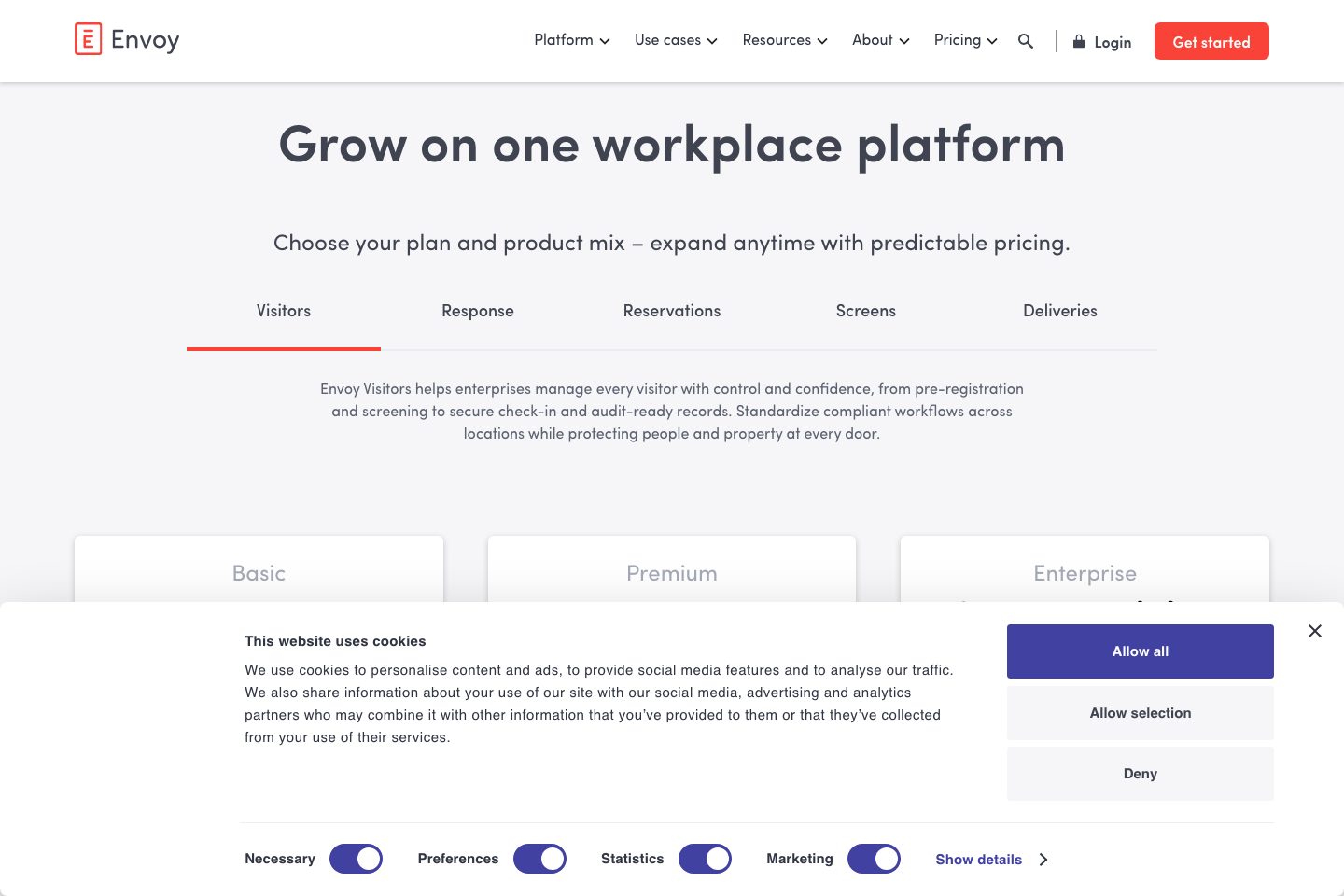
Pricing and plan limits
- Product analysis updated
- 1 Nov 2026
- Pricing checked
- 7 Oct 2026
- Evidence refreshed
- 9 Nov 2026
The fetched dollar price does not explicitly identify its currency. Confirm currency, hardware and tax treatment.
Basic
FreeCurrency not confirmed · Billing term not confirmed · per location
- 100 entries/month
- Up to 50 employees in the directory
- Host notifications
Premium
$362Currency not confirmed · monthly, billed annually · per location
- Badge printing
- Visitor photos
- SSO and directory integrations
Enterprise
Quote requiredCurrency not confirmed · Billing term not confirmed · per location
- ID scanning: 500 scans/year included
- Access-control integrations
Visitors plans only; excludes Reservations, Screens and Deliveries.
Every plan starts with the Envoy platform; request a quote confirming platform fees and total cost.
Subscription estimate
A comparable annual total needs a confirmed currency, price, billing term and location allowance.
Subscription only. Excludes hardware, taxes, SMS overages, onboarding and additional modules. No currency conversion.Evidence behind the profile
Documented means a public source makes the claim; it does not mean an independent product test. Inferred claims need confirmation.
10 documented · 0 inferred · 0 unresolved claims
- Documented claim — Envoy supports customizable sign-in flows, visitor screening, host notifications, badges, audit trails, analytics, and digital documentation.
- Documented claim — Envoy can provide and track NDAs, quizzes, and training certifications.
- Documented claim — Envoy provides real-time onsite visibility, alerts, and safety confirmation channels for critical events.
- Documented claim — Envoy verifies identities by scanning IDs and checking internal blocklists and third-party watchlists.
- Documented claim — Envoy maintains visitor audit trails and supports exportable and scheduled reports.
- Documented claim — Envoy documents integrations with Okta, Brivo, Lenel S2, Slack, Teams, calendars, Salesforce, and DocuSign.
- Documented claim — Visitor check-in is documented for tablets or kiosks, with mobile workflows for hosts.
- Documented claim — Envoy Connect tenants can use a Basic free Envoy plan to connect their Visitors account to a property.
- Documented claim — Envoy Academy is described as free, on-demand, and organized by role.
- Documented claim — Envoy documents use cases for data centers, manufacturing, healthcare, pharma and biotech, defense and aerospace, and multi-tenant properties.
Comparison data
Published signals used in the Overall Score ranking.
- Free access
- Ongoing free plan
- Pricing approach
- Custom quote
- Deployment complexity
- Guided setup
- Hardware requirement
- Optional kiosk
- Identity checks
- ID scanning, Internal blocklist checks, Third-party watchlist checks
- Evacuation
- Real-time onsite visibility, Emergency alerts, Safety confirmation through SMS, email, or in-app notifications
- Contractors
- Contractor check-in workflows, NDAs, quizzes, and training certifications
- Reporting
- Audit trail, Exportable visitor reports, Occupancy and visitor analytics, Scheduled custom reports
Customer review summary
Captured themes from the linked review sources; these are summaries, not verbatim quotations or a representative customer survey. Source totals may overlap. Editorial strengths and fit considerations are shown separately in our buyer analysis.
What users like
- Quick, user-friendly visitor check-in — Customers describe sign-in and registration as straightforward, with a smooth experience for visitors and staff. (Source: Capterra)
- Automated host notifications — Reviewers value alerts that let hosts know when visitors arrive. (Source: G2)
- Visitor pre-registration and remote badges — Reviewers find pre-registration smooth and appreciate using mobile badges for check-in. (Source: Gartner Peer Insights)
- Digital visitor records and tracking — Users say visitor logs and digital tracking replace paperwork and help maintain clear records. (Source: GetApp)
- Integrations with workplace tools — A reviewer values connections with Microsoft and Google workspaces and DocuSign for visit-related tasks. (Source: SourceForge)
- Easy visitor check-in — Customers describe sign-in and registration as quick, simple, and professional. (Source: Capterra)
What users dislike
- High pricing and costly upgrades — Reviewers say the price can be hard to justify, especially for smaller organizations, and some capabilities require paid upgrades. (Source: GetApp)
- Individual visitor sign-out is tedious — Customers want batch sign-out because handling visitors one at a time can be cumbersome after events. (Source: Capterra)
- Connectivity can disrupt reception — Some users report that outages or weak internet interfere with reception operations. (Source: G2)
- Printer and technical reliability problems — Reviewers report printer connectivity problems and other technical issues. (Source: Software Advice)
- Limited mobile administration — A reviewer says the mobile admin version has fewer tools than desktop, making some changes inconvenient. (Source: SourceForge)
- Slow or unhelpful support — Some reviewers describe support responses as slow or unhelpful. (Source: Trustpilot)
Review evidence last checked: 9 Nov 2026. Individual theme capture dates are not recorded.
Review sources
Deployment & integrations
- Cloud-based security console for multi-tenant properties
- Tablet or kiosk-based visitor check-in
- Mobile app for hosts and visitor management
- Multi-location visitor workflows
- Multi-tenant deployment across properties and tenant suites
Security, compliance & support
- Audit-ready digital visitor records and exportable reports
- Identity checks against internal blocklists and third-party watchlists
- Digital NDAs, quizzes, and training certifications
- Access-control and temporary-access workflows
- The overview page references ITAR, EAR, OFAC, and C-TPAT compliance requirements

