

Teamgo
www.teamgo.co
- Last checked
- 1 Sept 2026
- Sources
- 24
- Evidence confidence
- High
Product media
Buyer notes
What to know about Teamgo
Teamgo’s documented workflow starts with pre-registration or a QR-code invitation, continues through customised forms, screening, document requests and contactless kiosk or smartphone sign-in, then extends to notifications, badges, attendance records and exportable reporting. Its differentiator is the breadth of visitor, employee and contractor workflows in one cloud dashboard, including geofencing for automatic location-based attendance and emergency visibility. The main operating constraint is that kiosk-led deployments rely on compatible iPad or Android tablet devices, while some advanced capabilities—such as Face ID—are described as premium features. Public plans are easy to benchmark at $29, $99 and $199 USD per month, with annual-payment savings referenced separately. The platform is therefore most compelling where an organisation needs more than a basic front-desk register: inductions, screening, document control, mobile attendance, emergency accountability and multi-location reporting are central buying criteria.
- Best for
- Best suited to organisations combining visitor management with employee or contractor attendance workflows.
- Known strength
- Custom workflows cover forms, documents, photos, health information, meetings and QR-code issuance.
Strengths
- Custom workflows cover forms, documents, photos, health information, meetings and QR-code issuance.
- Emergency, capacity and onsite visibility features support safety operations.
- Public monthly tiers and a 30-day trial make initial commercial comparison straightforward.
Fit considerations
- The strongest value is tied to a broader workplace workflow rather than a minimal visitor-only register.
- Kiosk deployments require tablet devices, while some identity features are premium.
Questions to ask
- Which visitor, contractor and employee workflows should be included in the initial rollout?
- Will sites use BYO tablets, QR posters, mobile sign-in or a combination?
- Which reporting, emergency and document-retention outputs are required?
- Should geofencing or Face ID be included in the budget?
- Which Azure or Active Directory automation scenarios are needed?
Implementation notes
- Define visitor types, forms, document rules, notifications and escalation contacts before configuring workflows.
- Select kiosk hardware or QR-code locations and configure workplace boundaries for geofencing where required.
Scoring criteria
How Teamgo scores
Every system is scored against the same published-data criteria. Public scores are intended as comparison prompts alongside your own procurement needs.
Customer review sentiment
4. 4/5 from 83 published reviews across 4 sources, with 133 stored feedback themes
18 point weighting · 83 reviews across review sourcesVisitor and contractor workflows
5 visitor, contractor, badge, host, delivery, identity, and QR workflow signals
10 point weighting · Published vendor and profile signalsEvacuation management
2 evacuation, mustering, roll-call, occupancy, or emergency signals
7 point weighting · Published vendor and profile signalsAdvanced reporting
3 reporting, analytics, audit, export, or visitor-history signals
7 point weighting · Published vendor and profile signalsPublished feature breadth
16 documented capabilities
10 point weighting · Published vendor and profile signalsMobile and kiosk flexibility
iOS and Android; Optional kiosk
8 point weighting · Published vendor and profile signalsOngoing free access
Free trial published
6 point weighting · Published vendor and profile signalsDeployment and integrations
7 published deployment and integration options
7 point weighting · Published vendor and profile signalsIndustry coverage
13 documented sectors
5 point weighting · Published vendor and profile signalsSource coverage
24 vendor pages analysed, 4 review sources captured
5 point weighting · 24 source pages analysedVisitor management focus
80% fit against visitor-management-specific positioning signals
5 point weighting · Published vendor and profile signalsAccess-control integrations
1 access-control integration signal
5 point weighting · Published vendor and profile signalsRegional hosting and data residency
Australia
3 point weighting · Published vendor and profile signalsPricing transparency
4 published pricing plans
4 point weighting · Published vendor and profile signalsA lower score can mean the directory found less public evidence, not that a product cannot support the workflow. Use these criteria as shortlist prompts alongside your own procurement needs.
Overview
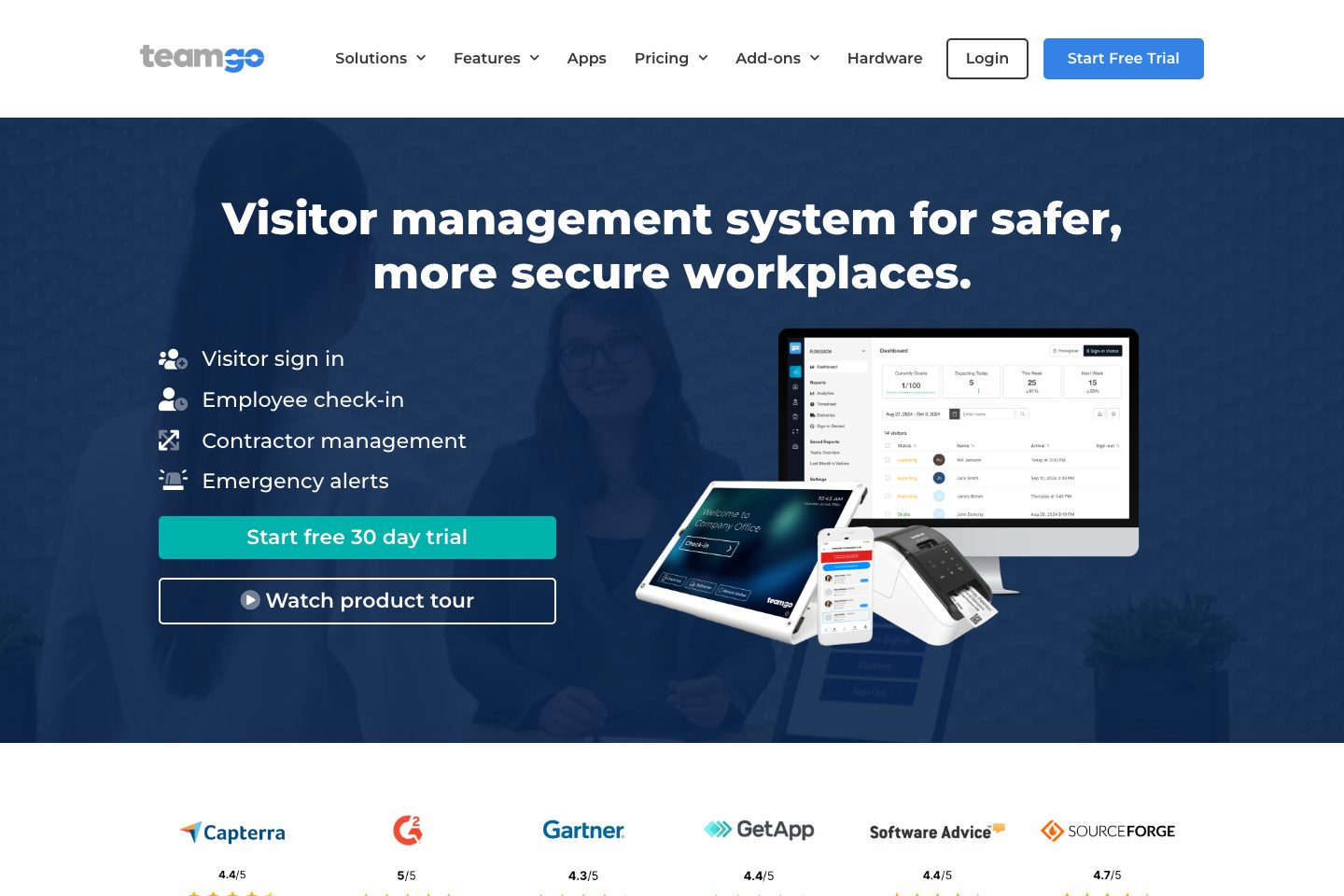
Teamgo is a cloud visitor-management platform for visitor, employee and contractor arrivals. It supports self-service check-in through iPad or Android kiosks, QR-code posters, smartphone workflows and web-based administration. Emergency features include real-time onsite records, evacuation alerts and capacity monitoring.
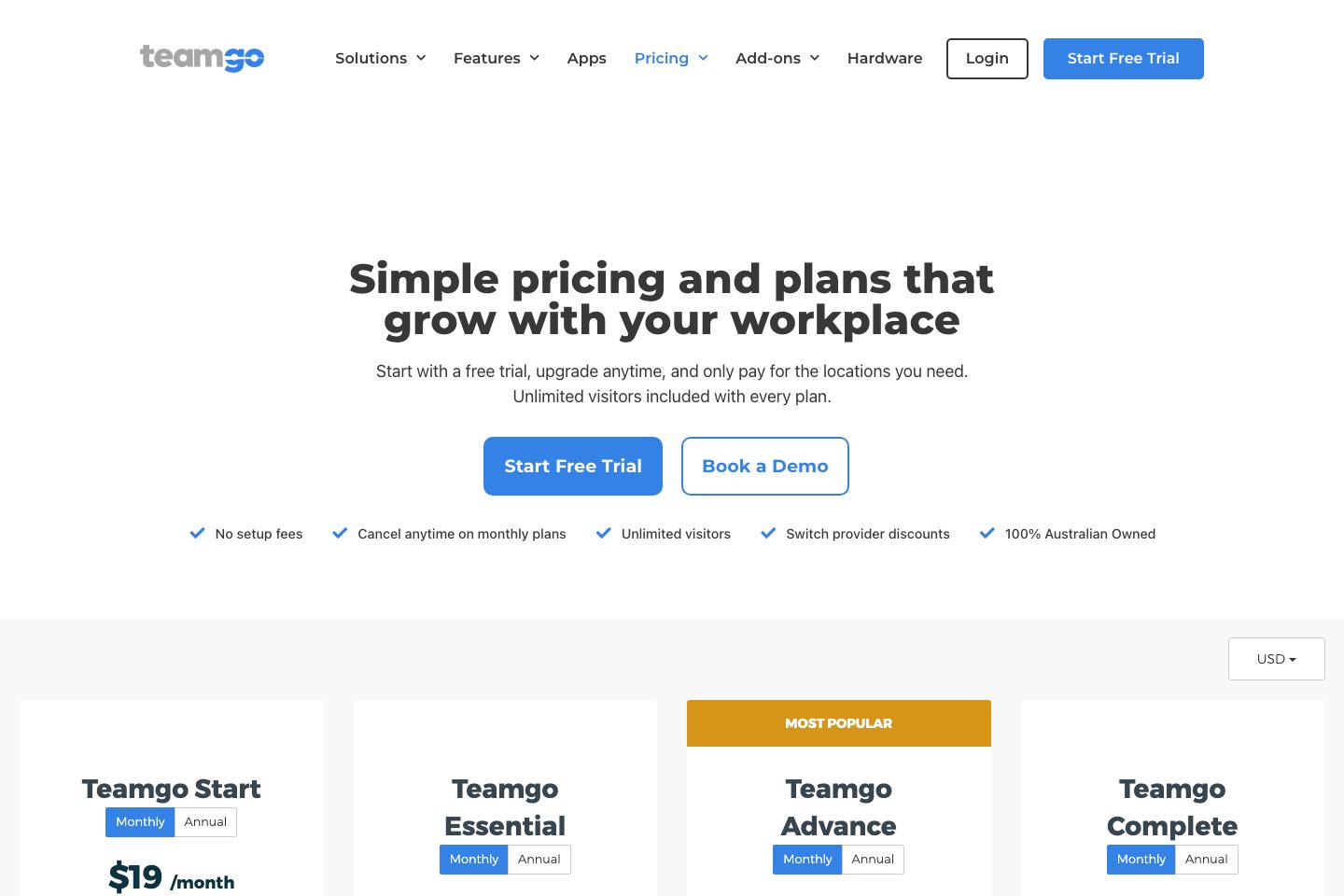
Teamgo also provides employee attendance, geofencing, booking, watch-list, deny-entry and contact-tracing capabilities. Reporting is described as real-time, detailed and exportable, with data anonymisation options. Public monthly pricing lists Essential at $29 USD, Advance at $99 USD and Complete at $199 USD.
A 30-day trial is offered without payment or a credit card.
Best for
- Workplaces replacing paper sign-in processes
- Multi-site teams using QR-code or kiosk check-in
- Organisations requiring visitor inductions and document collection
- Facilities tracking employees, contractors and visitors
- Mobile or distributed workforces using geofencing attendance
Target industries
Key capabilities
QR-code check-in
Visitors, employees and contractors can use unique QR codes for contactless sign-in and sign-out.
Data anonymisation
Automatically, manually or periodically remove personal visitor data and records.
Visitor sign-in
Supports visitor, employee and contractor arrival records through kiosks, QR codes, smartphones and web administration.
Geofencing attendance
Automatically check employees, contractors or visitors in and out based on workplace location.
Screening and deny access
Use screening questions, watch lists, deny-entry lists and document requests to manage access.
Badge printing
Print customised visitor badges with details, photos and visit information.
Real-time reports
Review detailed, real-time and exportable visitor, employee and attendance reports.
iPad and Android kiosks
Deploy free kiosk apps on iPad or Android tablets, including BYO devices.
Mobile attendance app
Teamgo Pass supports iPhone and Android QR-code scanning, notifications and remote sign-in.
Custom sign-in workflows
Build forms and steps for different visitor types, including questions, photos and document requests.
Pre-registration and invitations
Pre-register visitors, collect information and documents, schedule meetings and issue QR codes.
Contractor inductions
Use workflows to collect contractor information, documents, certificates and licenses before arrival.
Pricing
pricing shows monthly USD amounts. The page also states that annual payment can save $69 over 12 months on Essential, $235 on Advance and $475 on Complete. A 30-day free trial requires no payment or credit card.
Essential
Simple sign-in processes for workplace visitor management.
- Annual payment option stated
- 30-day free trial available
Advance
Advanced features and automations.
- Annual payment option stated
- 30-day free trial available
Complete
Flexible workflows, automations and security for larger workplaces.
- Annual payment option stated
- 30-day free trial available
Enterprise
Enterprise services and pricing for global workplaces.
- Custom enterprise services and pricing
Comparison data
Published signals used in the Overall Score ranking.
- Free access
- Free trial
- Regional hosting
- Australia
- Mobile apps
- iOS and Android
- Pricing approach
- Fixed tiers
- Deployment complexity
- Self serve
- Hardware requirement
- Optional kiosk
- Identity checks
- QR codes, photo capture, document and ID requests, and optional Face ID are described.
- Evacuation
- Real-time onsite records and emergency evacuation accountability are described.
- Contractors
- Contractor check-in, inductions, document collection and geofencing are described.
- Reporting
- Real-time, detailed and exportable reports and analytics are described.
Customer review summary
What users like
- Easy to use
- Smooth visitor check-in
- Helpful support
- Reliable host notifications
- Useful reporting
- Strong security and compliance workflows
What users dislike
- Reliability or performance issues
- Limited hardware flexibility
- Form timeouts
- Occasional glitches after updates
- Support delays
- Additional badges may be printed unnecessarily
Review sources
Deployment & integrations
- Cloud dashboard with instant deployment of changes and new features.
- Self-service iPad or Android kiosk deployment using BYO devices.
- QR-code posters can provide mobile web sign-in without a kiosk.
- Free setup assistance is offered for kiosks and feature selection.
- Azure and Active Directory user-account automation is described as an add-on integration.
Security, compliance & support
- Cloud hosting and security are provided by Amazon AWS Australia.
- The product supports privacy controls, screening, document collection, record keeping and visitor-safety automation.
- Data anonymisation can remove personal visitor data and records.
- The company identifies as Australian and lists ISO27001 Information Security Management certificate status as pending.
- 24/7 online support, detailed guides, business-hours live chat and optional account managers are offered.

