
Navigate360
navigate360.com
- Last checked
- 1 Sept 2026
- Sources
- 9
- Evidence confidence
- Medium
Product media
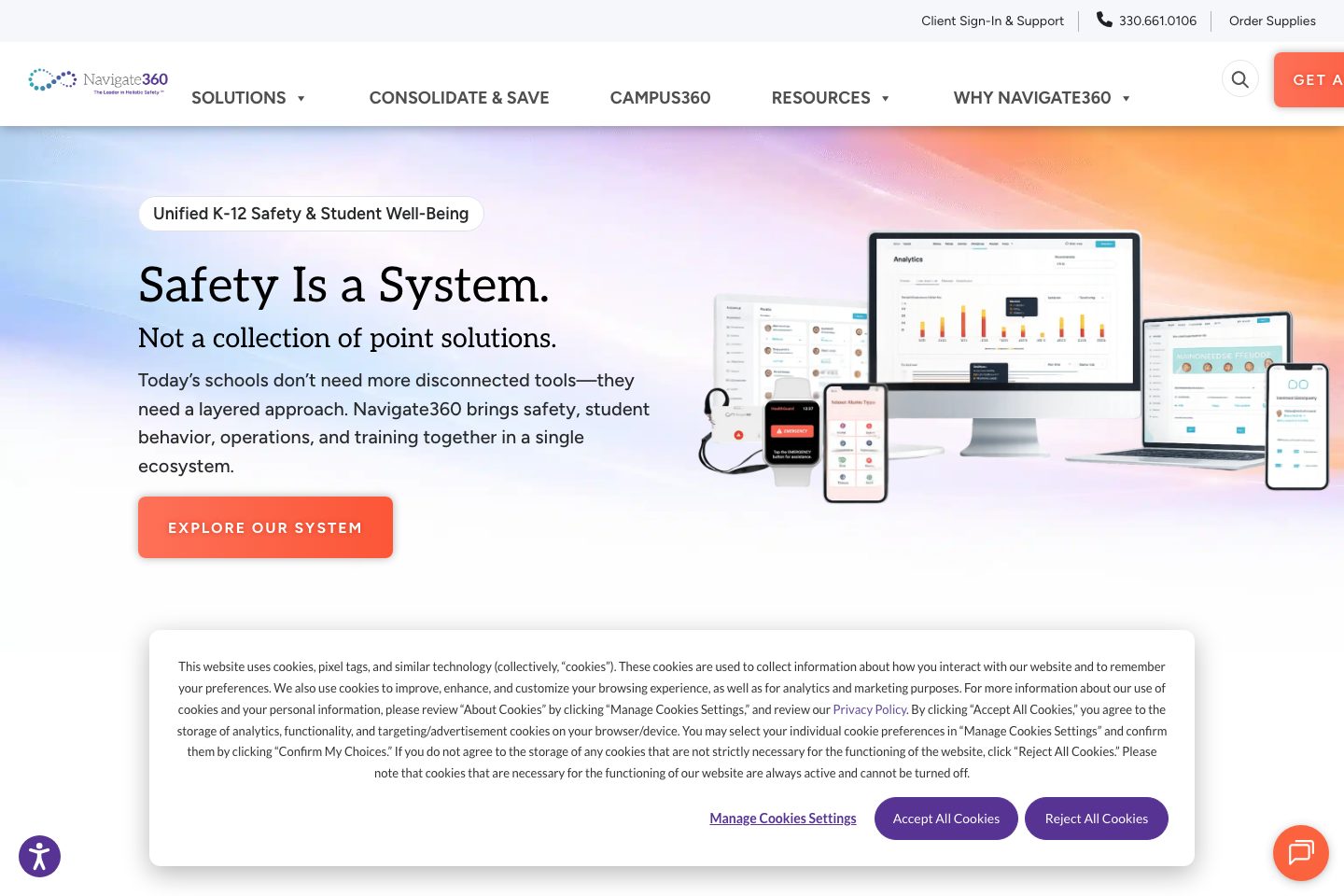
Buyer notes
What to know about Navigate360
Navigate360’s visitor-management functionality is positioned for K–12 districts that want visitor/volunteer screening tightly coupled to emergency response. The product emphasizes cloud, browser-based check-in (desktop, mobile, kiosks), background checks, badge printing, and real-time tracking, combined with integrations to SIS/PowerSchool and Navigate360 Emergency Management/Campus360 so visitor data feeds alerts, roll call, and reunification workflows. Buyers that need audit-ready reporting, volunteer lifecycle management, and responder-ready site maps will find value.
- Best for
- Districts consolidating safety tools into a single ecosystem
- Known strength
- all-in-one platform consolidating student support and safety workflows
Strengths
- all-in-one platform consolidating student support and safety workflows
- streamlined scheduling, appointment management, and advising tools
- configurable reporting, analytics, and cohort dashboards
- mobile and desktop usability (customer-facing interface)
- single sign-on and system integration
Fit considerations
- noticeable slow load times with large datasets
- lengthy implementation and training timelines
- limited customization in some areas
- integration and device compatibility issues (including iPad and SIS integrations)
- occasional support response concerns
Questions to ask
- What are the hosting regions, data residency options, and security certifications for visitor data?
- Is pricing per student, per-site, or a consolidated enterprise quote — and are hardware kits included or extra?
- How are background-checks and continuous monitoring configured and billed (JDP integration specifics)?
- How well does Navigate360 match your busiest visitor, contractor, or reception workflow?
- Which locations, teams, and visitor types should be included in the first rollout?
Implementation notes
- Vendor offers building mapping and personalized walkthroughs — plan time and access for site mapping and SIS integration during rollout
- Expect role-based access configuration and volunteer onboarding rules to require district policy alignment and testing before go-live
Scoring criteria
How Navigate360 scores
Every system is scored against the same published-data criteria. Public scores are intended as comparison prompts alongside your own procurement needs.
Customer review sentiment
4. 5/5 from 37 published reviews across 4 sources, with 89 stored feedback themes
18 point weighting · 37 reviews across review sourcesVisitor and contractor workflows
4 visitor, contractor, badge, host, delivery, identity, and QR workflow signals
10 point weighting · Published vendor and profile signalsEvacuation management
3 evacuation, mustering, roll-call, occupancy, or emergency signals
7 point weighting · Published vendor and profile signalsAdvanced reporting
3 reporting, analytics, audit, export, or visitor-history signals
7 point weighting · Published vendor and profile signalsPublished feature breadth
8 documented capabilities
10 point weighting · Published vendor and profile signalsMobile and kiosk flexibility
iOS and Android; Optional kiosk
8 point weighting · Published vendor and profile signalsOngoing free access
No public evidence captured yet
6 point weighting · Published vendor and profile signalsDeployment and integrations
7 published deployment and integration options
7 point weighting · Published vendor and profile signalsIndustry coverage
9 documented sectors
5 point weighting · Published vendor and profile signalsSource coverage
9 vendor pages analysed, 4 review sources captured
5 point weighting · 9 source pages analysedVisitor management focus
80% fit against visitor-management-specific positioning signals
5 point weighting · Published vendor and profile signalsAccess-control integrations
1 access-control integration signal
5 point weighting · Published vendor and profile signalsRegional hosting and data residency
No public evidence captured yet
3 point weighting · Published vendor and profile signalsPricing transparency
No public evidence captured yet
4 point weighting · Published vendor and profile signalsA lower score can mean the directory found less public evidence, not that a product cannot support the workflow. Use these criteria as shortlist prompts alongside your own procurement needs.
Overview
Navigate360 provides a school-focused safety and visitor-management solution as part of a broader Campus360 safety ecosystem. Its visitor-management module offers browser-based cloud check-in, visitor screening (including national sex offender checks and block lists), badge printing, volunteer onboarding, and real-time tracking.
The platform emphasizes integrations with SIS/PowerSchool, background-check providers, and Navigate360 emergency management to connect visitor data to alerts, reunification, and responder maps.
Deployment is device-flexible (desktop, tablet, mobile, kiosks) and designed for K–12 districts seeking consolidated safety, emergency response, and audit-ready records. )
Best for
- K-12 front office and district safety teams
- School operations leaders seeking consolidated safety tools
- Districts adopting Alyssa’s Law panic/alerting
- Administrators needing volunteer/visitor screening
- IT teams needing browser-based, device-flexible check-in
Target industries
Key capabilities
Visitor screening & blocklists
Checks visitors against national sex offender database and supports block lists and custodial restrictions.
Real-time visitor tracking
Real-time visibility of who is on campus with exportable, filterable, audit-ready records.
Emergency linkage
Visitor data can be integrated with Navigate360 Emergency Management and Campus360 to inform alerts, roll call, and reunification.
Volunteer management
Custom online applications, automated approvals/expirations, optional background checks, and centralized volunteer profiles.
Flexible check-in / badges
Browser-based cloud check-in with badge printing, license/RFID/ID scanning, mobile and self-serve kiosk options.
Hardware flexibility
Accessible via standard computers and mobile devices; supports cameras, badge printers, barcode/license scanners, and RFID.
Reporting & analytics
Built-in analytics, custom date ranges, filters by role/building, and exportable reports for audits and trend analysis.
Integrations with SIS & background checks
Integrates with district information systems, PowerSchool, and JDP for background checks.
Pricing
Pricing includes ent (basic) Panic Buttons (wearables included) Digital Hall Pass Site Mapping Total Cost: $15,245 (per building or per 500 students) AFTER (NAVIGAT...; prehensive) Panic Buttons (wearables included) Digital Hall Pass Site Mapping Total Cost: $8,000 (per building or per 500 students) SAVE $7,245 Typ...; Digital Hall Pass Site Mapping Total Cost: $8,000 (per building or per 500 students) SAVE $7,245 Typical savings per building / per 500 students wh...
Comparison data
Published signals used in the Overall Score ranking.
- Mobile apps
- iOS and Android
- Deployment complexity
- Guided setup
- Hardware requirement
- Optional kiosk
Customer review summary
What users like
- Helpful support
- Useful reporting
- Easy to use
- Limited integrations
- All-in-one functionality
- All-in-one student engagement tools
What users dislike
- Reliability or performance issues
- Limited hardware flexibility
- Limited customization in some areas
- Ease of use received a lower 4. 0 sub-rating
- Lengthy implementation and training timelines
- Lengthy implementation or training
Review sources
Deployment & integrations
- Browser-based cloud solution accessible via desktop, tablet, mobile, and kiosks (self-serve and staff-assisted).
- PowerSchool (SIS integration)
- JDP (background checks)
- District Information System / SIS (generic)
- Navigate360 Emergency Management / Campus360
Security, compliance & support
- Alyssa’s Law compliance referenced for Campus360 emergency/panic alerting (impacts integrated safety workflows)
- National sex offender database checks for visitor screening
- Block lists and custodial rights enforcement during check-in
- Role-based access controls for volunteer coordinators and campus roles
- Responder-ready digital site maps and first-responder sharing in Campus360 emergency workflows

