
Pikmykid
www.pikmykid.com
- Last checked
- 1 Sept 2026
- Sources
- 16
- Evidence confidence
- High
Product media
Buyer notes
What to know about Pikmykid
Pikmykid is primarily positioned for K‑12 environments and adjacent child‑care programs, delivering a suite that tightly couples everyday operational workflows (dismissal, attendance, digital hall passes) with emergency readiness (alerts, reunification). Strengths include device‑agnostic web portal plus a parent mobile app, a dedicated Visitu iPad kiosk for visitor flows with instant offender checks, and an emphasis on timestamped audit logs and SIS integrations. Schools benefit from bundled professional onboarding and a dedicated account manager.
- Best for
- Districts seeking an integrated school operations and safety platform
- Known strength
- safer, more organized dismissal and pickup workflows
Strengths
- safer, more organized dismissal and pickup workflows
- ease of use / user-friendly interface for parents and staff
- real-time student tracking and dismissal visibility
- authorized-pickup controls and secure pickup verification
- reduced congestion, calmer/quiet car lines
Fit considerations
- occasional app glitches, unresponsiveness, or login issues
- connectivity/internet-related interruptions and app lag
- limited flexibility for same-day transportation or bus/route changes
- initial setup, annual rollover, and onboarding friction for administrators
- multi-campus or multi-school app limitations requiring separate setups
Questions to ask
- How well does Pikmykid match your busiest visitor, contractor, or reception workflow?
- Which locations, teams, and visitor types should be included in the first rollout?
- What reporting, notifications, and emergency workflows matter most for your sites?
Implementation notes
- Expect guided onboarding with a dedicated account manager and resource library; plan for staff and parent training as described on product pages
- Visitu kiosk deployments require Apple iPad hardware and compatible label printers (Brother QL‑820NWB recommended) if badge printing is desired
Scoring criteria
How Pikmykid scores
Every system is scored against the same published-data criteria. Public scores are intended as comparison prompts alongside your own procurement needs.
Customer review sentiment
4. 6/5 from 410 published reviews across 5 sources, with 163 stored feedback themes
18 point weighting · 410 reviews across review sourcesVisitor and contractor workflows
5 visitor, contractor, badge, host, delivery, identity, and QR workflow signals
10 point weighting · Published vendor and profile signalsEvacuation management
1 evacuation, mustering, roll-call, occupancy, or emergency signal
7 point weighting · Published vendor and profile signalsAdvanced reporting
3 reporting, analytics, audit, export, or visitor-history signals
7 point weighting · Published vendor and profile signalsPublished feature breadth
8 documented capabilities
10 point weighting · Published vendor and profile signalsMobile and kiosk flexibility
iOS and Android; Optional kiosk
8 point weighting · Published vendor and profile signalsOngoing free access
Published ongoing free plan
6 point weighting · Published vendor and profile signalsDeployment and integrations
8 published deployment and integration options
7 point weighting · Published vendor and profile signalsIndustry coverage
13 documented sectors
5 point weighting · Published vendor and profile signalsSource coverage
16 vendor pages analysed, 5 review sources captured
5 point weighting · 16 source pages analysedVisitor management focus
80% fit against visitor-management-specific positioning signals
5 point weighting · Published vendor and profile signalsAccess-control integrations
No access-control integration evidence captured
5 point weighting · Published vendor and profile signalsRegional hosting and data residency
No public evidence captured yet
3 point weighting · Published vendor and profile signalsPricing transparency
3 published pricing plans
4 point weighting · Published vendor and profile signalsA lower score can mean the directory found less public evidence, not that a product cannot support the workflow. Use these criteria as shortlist prompts alongside your own procurement needs.
Overview
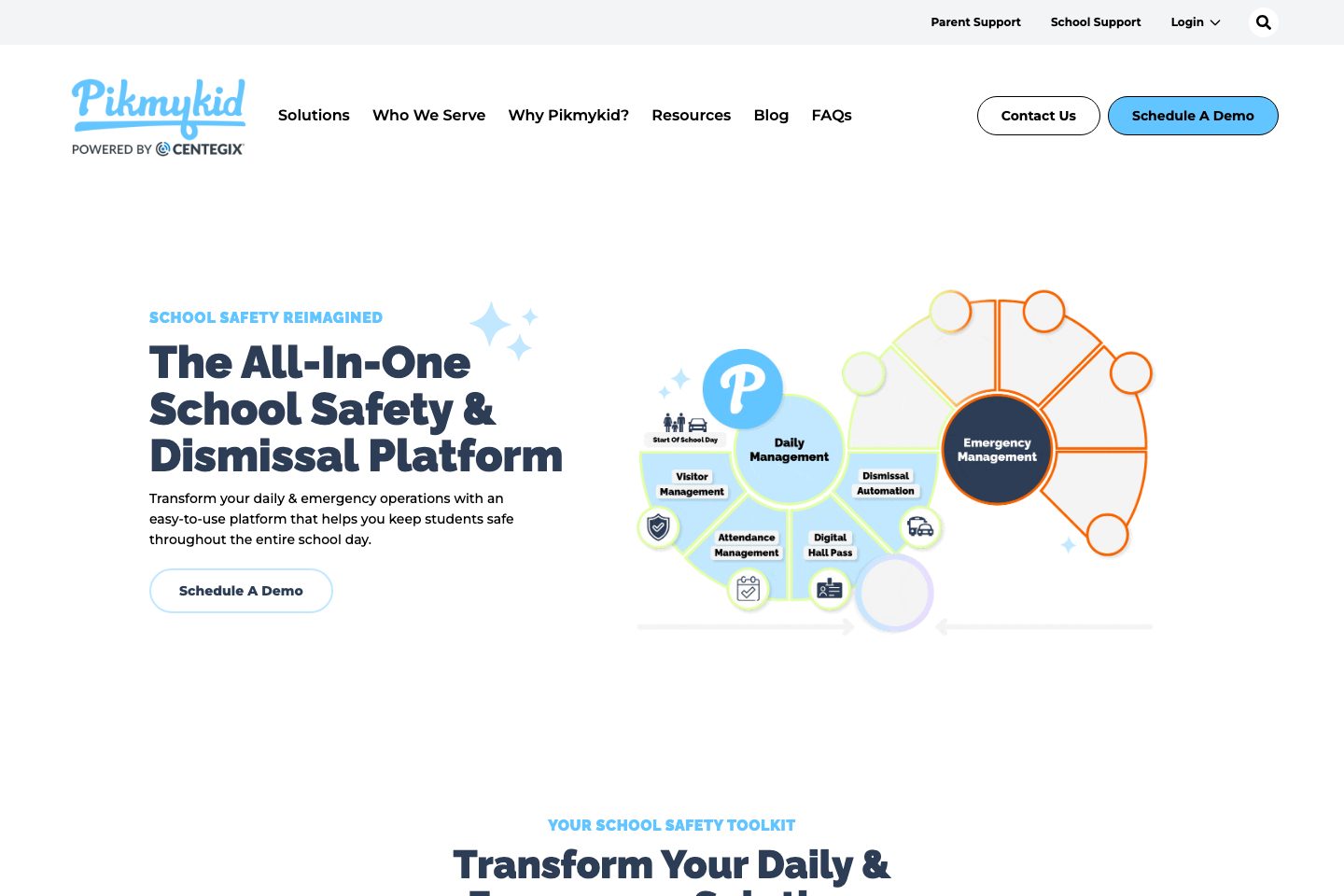
Pikmykid is an all-in-one K‑12 school operations and safety platform focused on dismissal, attendance, visitor management, reunification, digital hall passes and school messaging. The product family includes a parent mobile app, school portal, a Visitu iPad kiosk for visitor sign-in, and reunification and emergency alert capabilities.
Pikmykid emphasizes real‑time tracking, timestamped audit logs, automated offender/watchlist checks for visitors, and integrations with common SIS and safety partners to support day‑to‑day operations and emergency workflows. The company also provides onboarding, a dedicated account manager, training resources and year‑round support.
Best for
- K‑12 school districts and individual schools (primary/elementary/middle/high)
- After‑school programs and summer camps
- Daycare and preschool operators
- School safety and operations teams (dismissal, reunification, attendance)
- District technology and SIS administrators evaluating school‑wide workflows
Target industries
Key capabilities
Digital hall pass
Timestamped, kiosk‑friendly hall passes that show active/expired passes and create audit trails for student movement without GPS tracking.
Attendance management
Real‑time attendance and absence updates via the parent app and integrations with Student Information Systems for synchronized records.
Integrations
Prebuilt integrations and partnerships with SIS and safety vendors to sync rostering and emergency data.
Emergency reunification
Digital reunification workflow records guardian verification, logs check‑outs, and provides timestamped reunification reports aligned with the Standard Reunification Method.
Visitor journey
Visitu visitor management supports self‑service iPad kiosks, ID scan, photo capture, badge printing and instant offender database checks to notify staff on matches.
School messaging
Multi‑channel mass communication (push, SMS, email, voice) from a centralized portal and parent app for routine and emergency notifications.
Reporting & audit
Comprehensive logs and reports including daily/timestamped dismissal, attendance and reunification records for post‑event review.
Dismissal automation
Digital dismissal manager and Free Car Line tools let parents announce arrival, update pickup plans and provide timestamped dismissal records.
Pricing
Public site lists a free product called Free Car Line with basic capabilities; other paid package details require demo or contact per site pages.
Free Car Line
Web‑based car line tool with manual student entry, 5 free staff users, and daily timestamped dismissal reports.
- No data input required to start
- 5 free users per school dashboard
- Daily dismissal reports via email
Pikmykid Dismissal Lite (listed package)
Web portal with roster upload/SIS integration, unlimited users, customized reports and ongoing staff/parent support (contact for pricing).
- SIS roster upload or integration
- Unlimited staff users
- Customizable reports & audit trail
Pikmykid Dismissal Full (listed package)
Includes parent app, real‑time parent notifications, car line automation, printing module and expanded dismissal features (contact for pricing).
- Parent app and unlimited parent messaging
- Car tag management and printing
- Emergency reunification and full dismissal features
Comparison data
Published signals used in the Overall Score ranking.
- Free access
- Ongoing free plan
- Mobile apps
- iOS and Android
- Pricing approach
- Custom quote
- Deployment complexity
- Guided setup
- Hardware requirement
- Optional kiosk
Customer review summary
What users like
- Useful reporting
- Easy to use
- Helpful support
- Reliable host notifications
- Accurate student tracking and communication
- Authorized guardian delegation
What users dislike
- Reliability or performance issues
- Usability friction
- Automatic arrival announcements may fail
- Car-tag printing can be time-consuming
- Dependence on school procedures and implementation
- Difficult annual rollover process
Review sources
Deployment & integrations
- Web-based school portal and parent mobile apps
- iPad kiosk (Visitu Kiosk iOS app) for visitor check-in
- PowerSchool (listed partner)
- Skyward
- ClassLink
Security, compliance & support
- FERPA & COPPA compliance stated on company overview
- AES‑256 encryption for stored PII and HTTPS/SSL for data in transit described on Visitu page
- GDPR and HIPAA references for reunification privacy on reunification page (listed as designed to comply)
- Standard Reunification Method alignment for drills and emergency practice
- Alyssa’s Law requirements referenced as part of safety best practices

