

Joan Workplace
getjoan.com
- Last checked
- 1 Sept 2026
- Sources
- 16
- Evidence confidence
- Medium
Product media
Buyer notes
What to know about Joan Workplace
Joan is positioned as an integrated workplace platform combining room, desk, parking, asset and visitor management under a single portal (MyJoan) with device options that include Joan e-ink displays and generic tablets. It suits organisations looking to simplify hybrid booking workflows and gain utilisation insights while replacing paper visitor logs with digital check-ins and badges. Joan advertises calendar sync, a mobile app with QR/NFC and geolocation check-in, and analytics for utilisation and no-shows. GDPR and CCPA compliance are referenced for visitor logging.
- Best for
- Organisations wanting an integrated workplace booking and visitor solution with optional hardware
- Known strength
- easy visitor sign-in
Strengths
- easy visitor sign-in
- responsive support
- easy and intuitive room/desk booking
- simple/quick setup
- calendar integrations (Outlook, Google, Microsoft 365, Teams)
Fit considerations
- limited reporting customization
- limited reporting, analytics, and administration/customization
- hardware mounting, durability, and touch control concerns
- occasional syncing, lag, or loading issues
- setup/configuration can require effort for some users
Questions to ask
- What are the hosting regions, data residency options and applicable SLAs for customer deployments?
- How well does Joan Workplace match your busiest visitor, contractor, or reception workflow?
- Which locations, teams, and visitor types should be included in the first rollout?
- What reporting, notifications, and emergency workflows matter most for your sites?
Implementation notes
- Device selection matters: Joan supports e-ink displays, tablets and PoE mounts; plan physical installation and power/network for displays
Scoring criteria
How Joan Workplace scores
Every system is scored against the same published-data criteria. Public scores are intended as comparison prompts alongside your own procurement needs.
Customer review sentiment
4. 6/5 from 334 published reviews across 5 sources, with 154 stored feedback themes
18 point weighting · 334 reviews across review sourcesVisitor and contractor workflows
5 visitor, contractor, badge, host, delivery, identity, and QR workflow signals
10 point weighting · Published vendor and profile signalsEvacuation management
2 evacuation, mustering, roll-call, occupancy, or emergency signals
7 point weighting · Published vendor and profile signalsAdvanced reporting
2 reporting, analytics, audit, export, or visitor-history signals
7 point weighting · Published vendor and profile signalsPublished feature breadth
20 documented capabilities
10 point weighting · Published vendor and profile signalsMobile and kiosk flexibility
iOS and Android; Optional kiosk
8 point weighting · Published vendor and profile signalsOngoing free access
Free trial published
6 point weighting · Published vendor and profile signalsDeployment and integrations
36 published deployment and integration options
7 point weighting · Published vendor and profile signalsIndustry coverage
9 documented sectors
5 point weighting · Published vendor and profile signalsSource coverage
16 vendor pages analysed, 5 review sources captured
5 point weighting · 16 source pages analysedVisitor management focus
100% fit against visitor-management-specific positioning signals
5 point weighting · Published vendor and profile signalsAccess-control integrations
1 access-control integration signal
5 point weighting · Published vendor and profile signalsRegional hosting and data residency
Regional hosting signal published
3 point weighting · Published vendor and profile signalsPricing transparency
Pricing page published
4 point weighting · Published vendor and profile signalsA lower score can mean the directory found less public evidence, not that a product cannot support the workflow. Use these criteria as shortlist prompts alongside your own procurement needs.
Overview
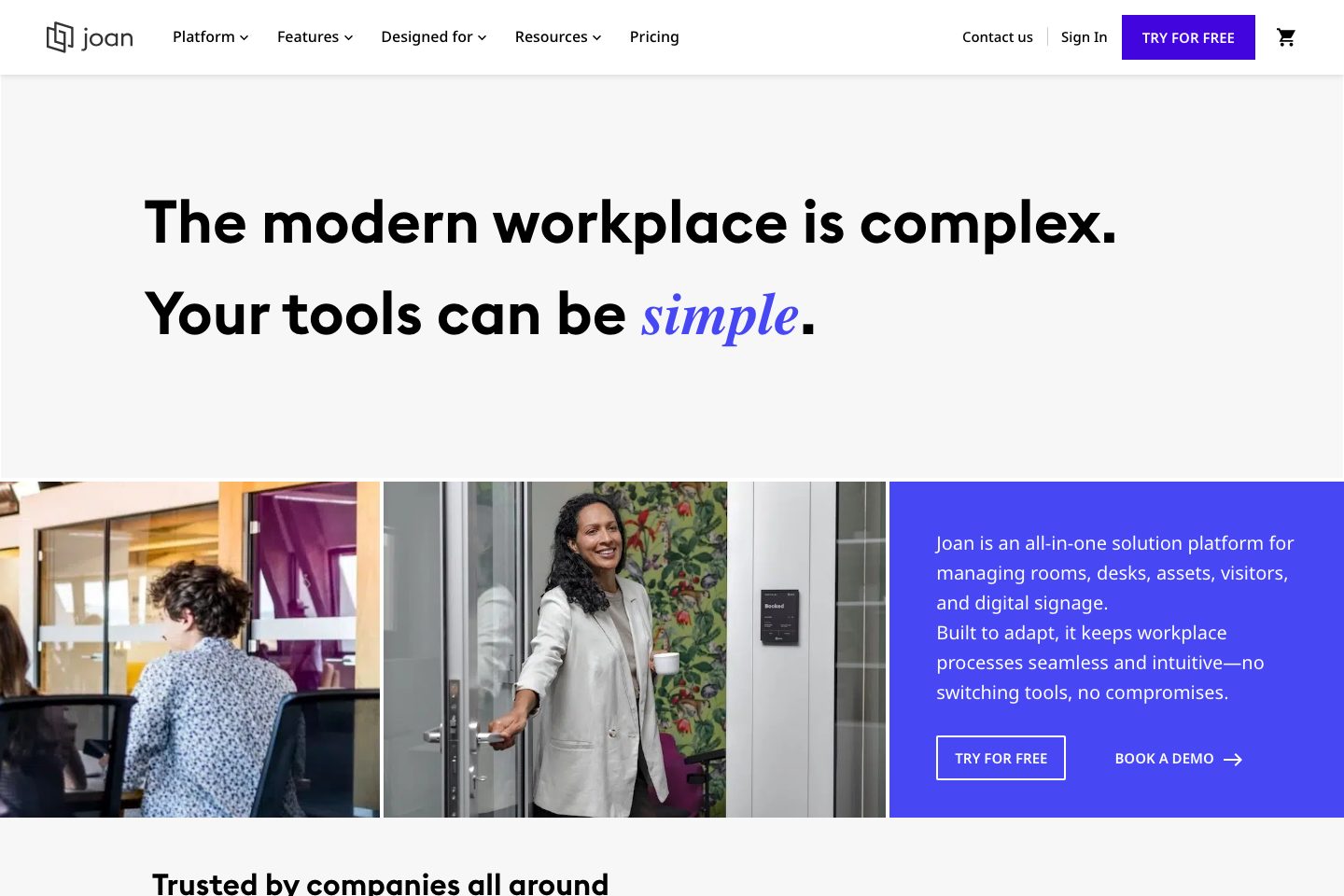
Joan Workplace is a workplace management platform from Visionect for managing meeting rooms, desks, parking spaces, shared assets, visitors, and workplace digital signage. Employees can book resources through the MyJoan web portal, iOS and Android mobile apps, calendar tools, or compatible room displays.
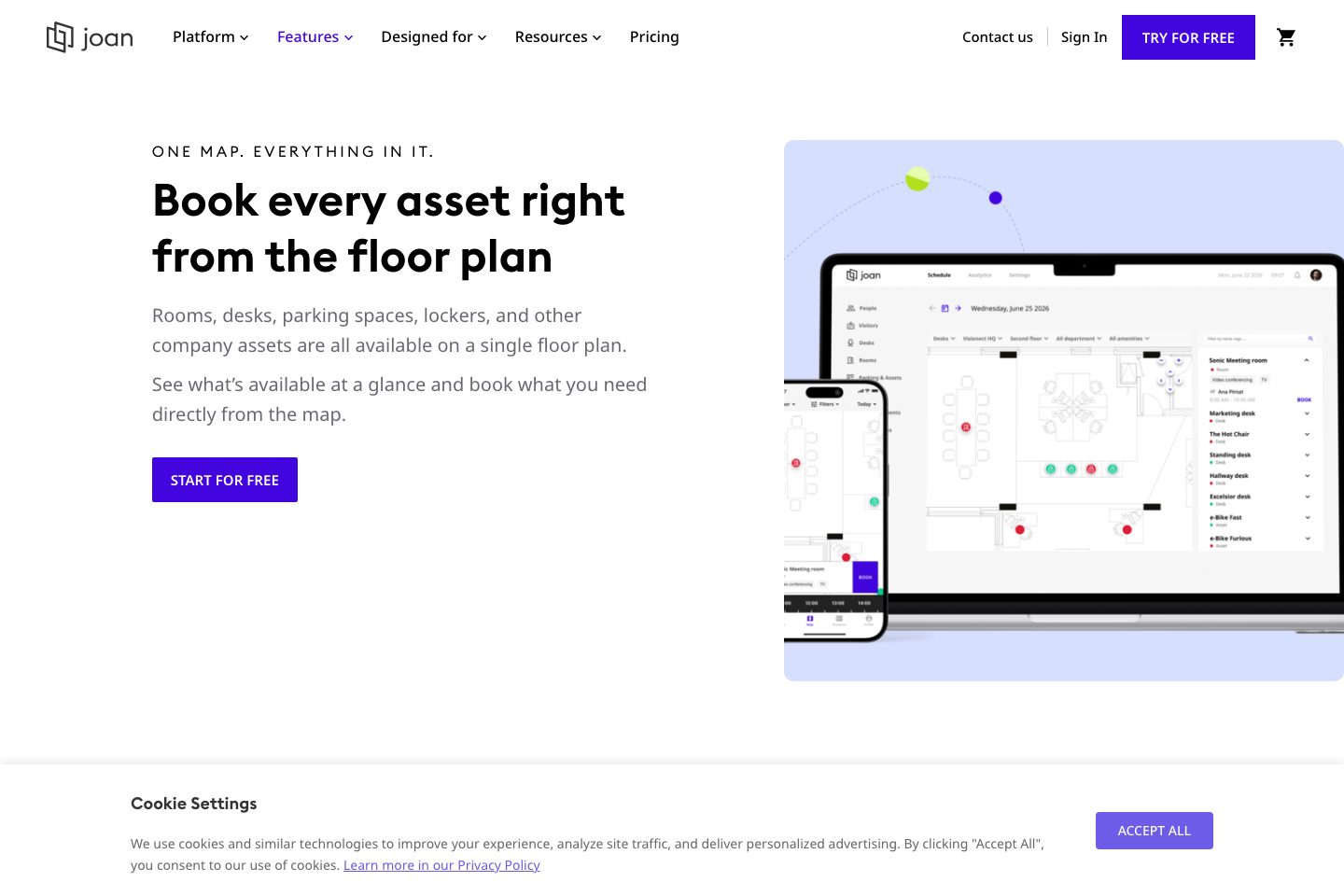
The platform supports interactive floor plans, availability views, check-in workflows, QR and NFC scanning, geolocation check-in, visitor pre-registration, digital visitor logs, customizable visitor badges, and workplace analytics.
Room booking includes calendar synchronization, walk-up booking, mobile and portal reservations, check-in enforcement, and automatic release of unused rooms. Joan can run on purpose-built e-paper devices, tablets, LCD displays, and selected hardware integrations.
The service is hosted in EU-based Google Cloud data centers and supports OAuth2, Google, Microsoft 365, SCIMv2-compatible identity providers, and role-based access control. Public pricing is based on users and device licenses, with quotes required because the displayed amounts are blank.
Best for
- Hybrid workplace teams managing desks, rooms, parking, and shared assets
- Enterprise facilities and IT teams needing centralized workplace administration
- Organizations replacing paper-based room and visitor processes
- Workplaces seeking room utilization and occupancy insights
- Centralising workplace resource booking and visitor check-in
Target industries
Key capabilities
Privacy & compliance
describes compliance support for GDPR, CCPA and other privacy laws in visitor logging.
Room booking
Room booking via calendar, web portal, mobile app or walk-up door displays with check-in enforcement to release no-shows.
Mobile
iOS and Android mobile apps for booking, QR/NFC scanning and geolocation check-in.
Role-based administration
Allow administrators to configure access levels, floors, resources, booking rules, and permissions.
Reporting
Analytics dashboards showing utilisation, no-shows and occupancy for planning and optimisation.
Desk booking
Reserve hot desks or assigned seats using the portal, mobile app, floor plan, QR codes, or NFC.
Desk & asset booking
Reserve desks, parking and shared equipment from the MyJoan portal, floorplan or mobile app.
Meeting room booking
Book rooms through calendars, the web portal, mobile app, or room displays.
Interactive floor plans
View availability and book rooms, desks, parking spaces, lockers, and other assets from a map.
Visitor digital check-in
Provide digital visitor check-ins, pre-arrival links, visitor tracking, and customizable e-paper badges.
QR and NFC check-in
Check in to desks or assets by scanning posted QR codes or NFC tags.
Workplace digital signage
Display schedules, floor plan availability, announcements, and custom content on supported screens.
Pricing
The pricing page states that plans start at a monthly amount and lists additional per-user and per-device monthly rates, but the displayed amounts are blank. A quote is required for confirmed pricing. A free trial is advertised.
Comparison data
Published signals used in the Overall Score ranking.
- Free access
- Free trial
- Mobile apps
- iOS and Android
- Hardware requirement
- Optional kiosk
Customer review summary
What users like
- Easy to use
- Helpful support
- Useful reporting
- Calendar integrations
- Smooth visitor check-in
- Calendar integrations with Google Workspace and Outlook
What users dislike
- Pricing concerns
- Reliability or performance issues
- Limited hardware flexibility
- Check-in and notifications can be inconsistent
- Floor plans may load slowly
- Initial configuration or navigation may be challenging
Review sources
Deployment & integrations
- Cloud-hosted workplace management platform
- Web portal
- iOS and Android mobile apps
- Joan e-paper room and workplace displays
- Compatible tablets and LCD displays
Security, compliance & support
- ISO/IEC 27001:2022 certification
- EU-based data hosting in Google Cloud data centers in Belgium
- Encryption in transit using TLS 1. 3
- Encryption at rest
- OAuth2, Google, and Microsoft 365 single sign-on
