

SwipedOn
signinapp.com/swipedon-homepage
- Last checked
- 1 Sept 2026
- Sources
- 24
- Evidence confidence
- High
Product media
Buyer notes
What to know about SwipedOn
Sign In App (SwipedOn) suits organisations that need a unified workplace platform covering visitors, employees, space booking and safety. It combines pre-registration, approvals, ID scanning, badge printing, evacuation roll calls and reporting with mobile and kiosk entry options. The platform emphasises multi-site governance, integrations (directory, calendar, access control) and extensibility via REST APIs and webhooks. Enhanced plans enable ID scanning, advanced meeting workflows and onboarding features; Pro adds enterprise SSO/SCIM, unlimited SMS and dedicated support. The product is most useful where audit trails, evacuation readiness and coordinated host notifications are operational priorities.
- Best for
- Best for facilities, security and operations teams in multi-site or regulated organisations
- Known strength
- easy visitor sign-in / quick check-in
Strengths
- easy visitor sign-in / quick check-in
- intuitive, simple interface
- responsive customer support
- visitor tracking and real-time visibility
- badge printing and photo capture
Fit considerations
- limited reporting and customization
- integration limitations with some legacy systems
- SwipedOn Pocket geofencing reliability issues
- mobile app / Apple-device limitations noted
- additional hardware or per-location costs
Questions to ask
- Which specific integrations (HRIS, access control brand/model) are required and are those covered by the chosen plan or require enterprise work?
- What volume of spaces, appointments and time & attendance users are needed so the correct add-on tiers are selected?
- Do you require ID scanning or background checks for specific visitor types and which plan includes those capabilities?
- What badge printer models and kiosk stands will you deploy and how will logistics and rollout be staged?
- What are your evacuation and offline requirements for kiosks in locations with limited connectivity?
Implementation notes
- Small deployments can be self-served with tablets (iPad/Android) and Companion apps; larger rollouts should plan site subscriptions per postcode as pricing indicates per-site licences
- Use directory sync (Entra ID/Google Workspace/SCIM) and calendar integrations early to reduce manual host maintenance and ensure notifications target correct recipients
Scoring criteria
How SwipedOn scores
Every system is scored against the same published-data criteria. Public scores are intended as comparison prompts alongside your own procurement needs.
Customer review sentiment
4. 7/5 from 492 published reviews across 6 sources, with 127 stored feedback themes
18 point weighting · 492 reviews across review sourcesVisitor and contractor workflows
6 visitor, contractor, badge, host, delivery, identity, and QR workflow signals
10 point weighting · Published vendor and profile signalsEvacuation management
3 evacuation, mustering, roll-call, occupancy, or emergency signals
7 point weighting · Published vendor and profile signalsAdvanced reporting
3 reporting, analytics, audit, export, or visitor-history signals
7 point weighting · Published vendor and profile signalsPublished feature breadth
40 documented capabilities
10 point weighting · Published vendor and profile signalsMobile and kiosk flexibility
iOS and Android; Optional kiosk
8 point weighting · Published vendor and profile signalsOngoing free access
Free trial published
6 point weighting · Published vendor and profile signalsDeployment and integrations
33 published deployment and integration options
7 point weighting · Published vendor and profile signalsIndustry coverage
13 documented sectors
5 point weighting · Published vendor and profile signalsSource coverage
24 vendor pages analysed, 6 review sources captured
5 point weighting · 24 source pages analysedVisitor management focus
100% fit against visitor-management-specific positioning signals
5 point weighting · Published vendor and profile signalsAccess-control integrations
2 access-control integration signals
5 point weighting · Published vendor and profile signalsRegional hosting and data residency
Regional hosting signal published
3 point weighting · Published vendor and profile signalsPricing transparency
4 published pricing plans
4 point weighting · Published vendor and profile signalsA lower score can mean the directory found less public evidence, not that a product cannot support the workflow. Use these criteria as shortlist prompts alongside your own procurement needs.
Overview
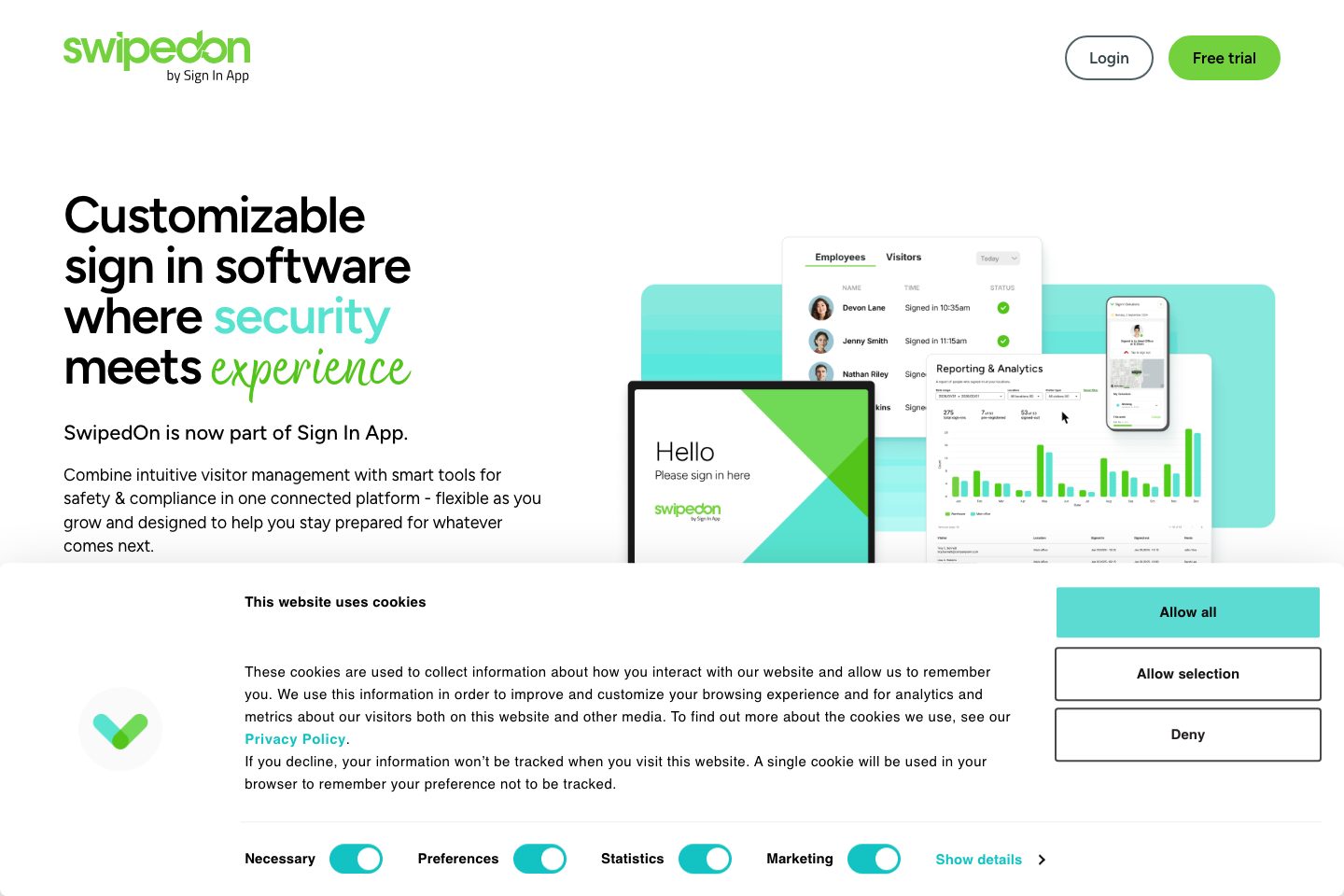
SwipedOn is now part of Sign In App, a cloud-based workplace platform for visitor, employee, resource and safety management. It supports customizable visitor sign-in flows, host notifications, pre-registration, approvals, visitor badges and digital records.
Employees can sign in on-site or remotely using mobile, web, QR code, kiosk or RFID, with presence data available across locations. The platform also supports delivery logging, desk and meeting-room booking, appointment scheduling, evacuation roll calls and reporting.
Sign In Companion provides mobile and web access for employee sign-in, bookings, visitor invitations, deliveries and safety workflows. Integrations include Microsoft Entra ID, Google Workspace, Microsoft Teams, Slack, Outlook, custom webhooks and an API.
Public pricing is per site annually in AUD, with Core, Enhanced and Pro plans, plus an Enterprise-oriented Executive option. A 15-day free trial is advertised, with no credit card required.
Best for
- Organizations needing digital visitor sign-in and emergency evacuation lists
- Multi-site workplaces managing visitors, employees and resources centrally
- Hybrid workplaces booking desks, rooms and other resources
- Schools and public-sector sites requiring visitor preparation and safeguarding workflows
- Mailrooms and reception teams needing delivery tracking and recipient notifications
Target industries
Key capabilities
Evacuation management
Create live evacuation lists and coordinate multi-device roll calls using sign-in data.
Digital audit records
Maintain searchable digital records of visitors, employees, deliveries and evacuation activity.
Visitor approvals and screening
Support pre-arrival approvals, customizable watchlists, risk assessments and screening workflows.
Visitor approvals & risk insights
Pre-approval workflows, watchlist screening, multi-step authorization and background verification for higher-trust environments.
ID scan & identity match
iPad camera-based government ID scanning, local extraction and optional photo identity matching in sign-in flows.
Reporting and exports
Filter and export visitor activity and use reports for presence, deliveries, evacuations and resource usage.
AI analytics assistant
Enterprise analytics capability for natural-language questions across visitor, workforce and compliance data.
Sign In App Tap (RFID)
RFID reader option to sign staff using existing access cards, supporting wide proximity format compatibility.
Appointment scheduling
Self-service booking, automated confirmations and reminders, with calendar sync to reduce no-shows.
Incident management & watchlists
Record incidents with evidence, link to profiles, apply watchlist alerts and retain audit-ready records.
Evacuation & emergency management
Live evacuation lists from real-time sign-ins, collaborative roll calls across devices and offline functionality for outages.
Pre-registration and invitations
Send branded invitations with calendar links and QR codes, and collect information before arrival.
Pricing
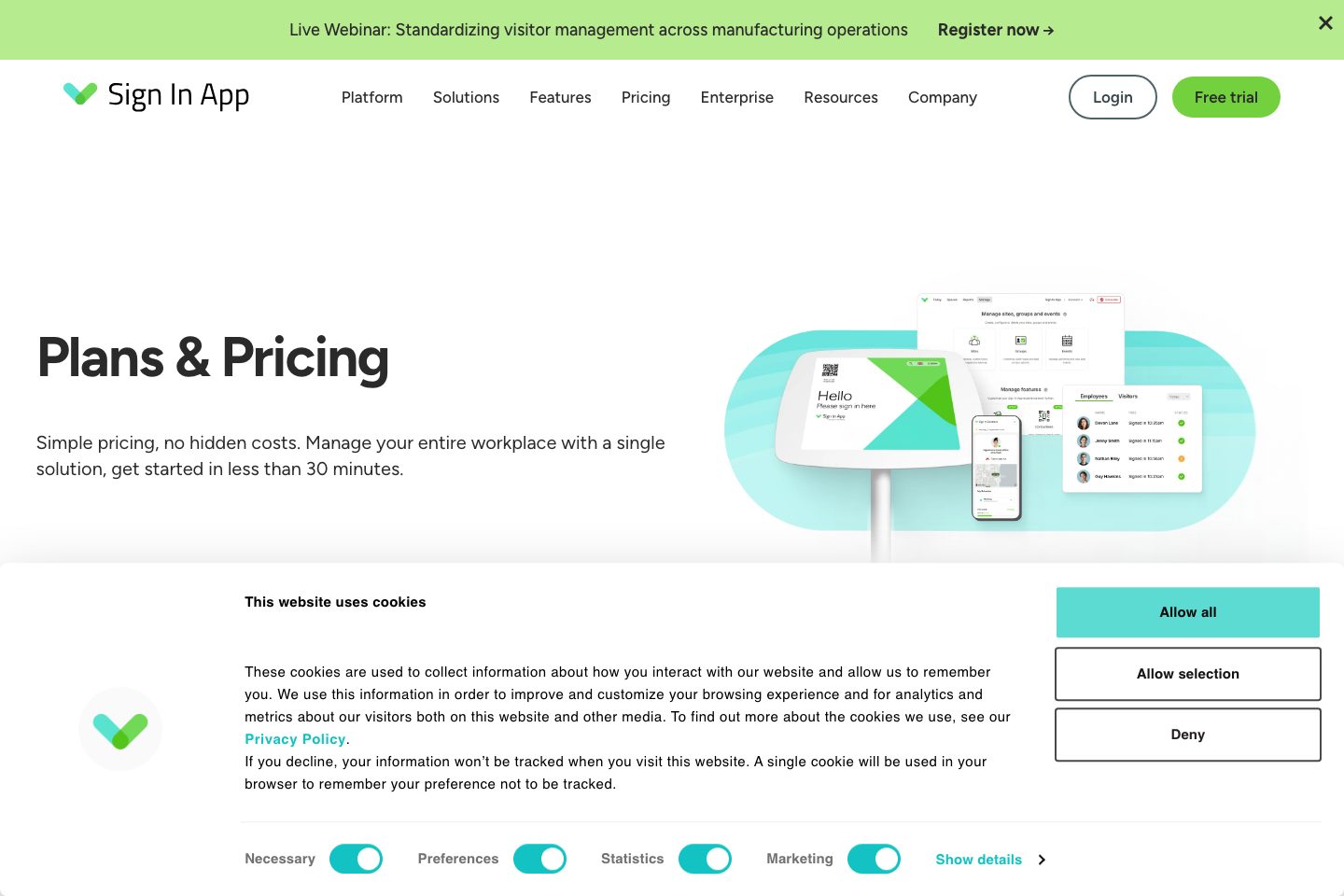
pricing lists Core, Enhanced and Pro per-site annual subscriptions (AUD examples) and itemised add-ons (Spaces, Scheduling, Time & Attendance, hardware and Tap reader). A free trial is offered.
Core
Core visitor management essentials including Companion app, evacuations, contactless sign in, notifications and basic integrations.
- Email & chat support
- Unlimited devices, staff and monthly sign-ins
- Includes Companion app and evacuation features
Enhanced
Adds pre-registration portal, ID scanning, Spaces (desk booking) and extra features plus priority support and onboarding sessions.
- Pre-visit registration portal and ID scanning
- Spaces and Time & Attendance options
- Priority support and onboarding sessions
Pro
Comprehensive package for larger workplaces with SSO/SCIM, unlimited SMS, telephone support, dedicated account manager and bespoke onboarding.
- SSO and SCIM support
- Unlimited SMS and telephone support
- Account manager and bespoke onboarding
Add-on - Spaces (example)
Desk and meeting room booking add-on priced by number of spaces (multiple tiers listed).
- Up to 50 / 100 / 250 / 500 space tiers with annual pricing
Comparison data
Published signals used in the Overall Score ranking.
- Free access
- Free trial
- Mobile apps
- iOS and Android
- Pricing approach
- Fixed tiers
- Deployment complexity
- Self serve
- Hardware requirement
- Optional kiosk
- Identity checks
- Visitor identity, screening, badge, QR, or access workflows, Collected vendor source text references integration ecosystem.
- Evacuation
- Collected vendor source text references evacuation support., Evacuation or emergency occupancy workflows
- Contractors
- Collected vendor source text references contractor management., Contractor, induction, or supplier check-in workflows
- Reporting
- Reporting, audit, dashboard, or export workflows, Collected vendor source text references reporting and audit trails.
Customer review summary
What users like
- Easy to use
- Helpful support
- Strong security and compliance workflows
- Smooth visitor check-in
- Customization limits
- Useful reporting
What users dislike
- Pricing concerns
- Limited hardware flexibility
- Additional customization may be desired
- Additional locations or integrations may be costly
- Annual auto-renewal and cancellation terms
- Cancellation issues
Review sources
Deployment & integrations
- Cloud-based platform
- Web application
- iOS application
- Android application
- iPad kiosk sign-in
Security, compliance & support
- ISO27001 Information Security Management certification
- Visitor approvals and customizable watchlist screening
- Risk assessments and background verification available in higher tiers
- Digital audit records for visitor and employee activity
- Live evacuation lists and multi-device roll calls

