

Keep credential validity separate from visitor presence
For a lost warehouse visitor badge, request immediate authorized revocation of the missing electronic credential—not cancellation of the visitor’s presence. Keep the visitor marked present until departure is actually established.
This procedure covers an occupied warehouse where a driver, contractor or other visitor reports a missing temporary badge while still on site. It is recommended operating practice for local approval, not a universal legal requirement or a product-specific button sequence. An emergency takes priority: follow the site emergency plan.
Keep three things separate:
| Item | What it represents | What replacement does not establish |
|---|---|---|
| Printed identification badge | Visible identification for the visit | Printing another badge does not establish that the missing electronic credential is invalid. |
| Electronic access credential | The identifier used by the access-control system | Disabling it does not establish that its holder has departed. |
| Visitor record | Arrival, continuing presence and eventual departure | Cancelling or deleting the record is not proof of door-access revocation. |
A printed badge may carry an electronic credential, but the two functions still need separate handling. If the missing item is confirmed to be printed identification only, security should handle the identification-loss risk; there is no associated electronic credential to revoke. Do not assume that distinction without checking the issue record.
Envoy’s visitor-log documentation, dated 15 September 2026, describes badge reprinting and sign-out as separate actions, including reprinting while someone remains signed in. That is not a door-access revocation procedure. Envoy: Using the visitor log
Preserving presence matters for the warehouse evacuation roll-call procedure: someone whose access is disabled may still need to be accounted for inside the warehouse.
Assign the response owners
ProtectUK’s access-control guidance, published 1 March 2022, emphasizes risk assessment, operational requirements, trained staff and clear procedures. Apply those principles here by giving each decision an authorized owner and a backup. This is UK security guidance, not a legal rule governing every warehouse. ProtectUK: Access control
Recommended responsibilities:
| Role | Responsibility |
|---|---|
| Gatehouse operator or supervisor | Receive the report, establish location, find the active visit and badge assignment, request revocation, maintain the incident record and preserve presence status. |
| Authorized access-control administrator | Identify and revoke the missing credential, verify the reported result and controller coverage, and configure replacement access. |
| Host or escort | Arrange safe assistance, support approved identity checks, confirm continuing authorization and accept responsibility for onward movement. |
| Site security shift lead | Own unresolved exposure, authorize locally approved interim controls, arrange escalation and approve incident closure. |
One person may hold several roles, but retain the separate decisions and confirmations. Obtain acknowledgement at each handoff; a sent message is not confirmation that someone has accepted responsibility. Never share administrator credentials to bypass an unavailable authorized operator.
1. Receive the report and arrange safe assistance
Gatehouse: receive the report through the approved gatehouse number, radio route, intercom or host contact. Record the report time and receiving operator.
Establish the visitor’s name, current location, host and immediate assistance needs. Ask when and where the badge was last known to be held, but do not delay the revocation request for a search.
Arrange for the host, escort or security responder to assist under site rules. Give only locally approved waiting or movement instructions. Do not send the visitor into vehicle operating areas to search for the badge. If their location is unsafe, coordinate assistance under the site traffic procedure rather than simply telling them to remain there.
HSE’s workplace-transport guidance recommends separating pedestrians and vehicles wherever possible. That supports keeping badge recovery subordinate to the site’s safe routes and traffic controls—not asking a visitor to retrace a route through a working yard. HSE: Separating pedestrians and vehicles
Open a concise incident record linked to the existing visit. Keep the visitor marked present. If their exact location is uncertain, record and escalate that uncertainty instead of assuming departure.
2. Identify the missing credential and request revocation
Gatehouse and access administrator: match the active visit to the controlled badge-issue history and access-control assignment. Identify the actual electronic credential; do not assume that a number printed on the badge is the identifier used by the door system.
Send an immediate revocation request through the approved administrator route. Include the visit reference, assigned credential, report time and known access scope. Obtain acknowledgement and record who accepted the action. Do not wait for replacement approval or a search to finish.
If the badge number is unknown: use the active visit reference to search the issue history and access-control assignment. Have the administrator resolve multiple or conflicting assignments; do not guess which credential to disable. Until identified, record unidentified—revocation unconfirmed and escalate the possible exposure to site security. Security and the administrator should decide whether a broader, locally approved restriction is necessary.
If the administrator is unavailable: contact the designated backup or on-call route and notify the security shift lead immediately. Leave the request open with a named owner. Withhold routine replacement issuance until security has decided how to control the unresolved exposure. A replacement is not evidence that the missing badge has stopped working.
3. Verify revocation status and controller coverage
Authorized access administrator: use the approved credential-level revocation method for the installed system. Record the credential, action, operator, time and resulting status. Retain the action reference or relevant audit evidence rather than relying on a verbal “done.”
Check separately:
- Whether the central record reports the credential as disabled, revoked or otherwise invalid under that system’s terminology.
- Which controllers or locks could have accepted it.
- What the system reports about delivery or application of the change at those devices.
- Which devices are offline, pending or otherwise unconfirmed.
Controller behavior is system-dependent. Verkada’s Offline Operation documentation, checked 4 November 2026, states that disconnected controllers retain their last received configuration and obtain the latest cloud configuration after connectivity returns. A central change therefore does not establish that a disconnected controller has received it. This behavior must not be generalized to every access-control system. Verkada: Offline Operation
If a controller has not received the revocation: record the affected access points and last confirmed status. Route the unresolved exposure to site security for locally approved controls. Depending on the site’s arrangements, security might staff an access point or restrict use of an affected area. Do not obstruct emergency egress, prop doors or send the visitor to test readers.
If downstream confirmation is unavailable: mark revocation at the affected devices unconfirmed. Have the administrator obtain technical support or use an approved verification method. Do not invent a propagation time or assume that a successful central command means every door is covered.
Keep the incident open while the exposure remains unresolved. If the failure also affects visitor records, use the warehouse network-outage recovery procedure alongside this response. Restoring the visitor log does not resolve the missing credential.
- Report Locate and assist Recommended: receive the report through an approved route and arrange safe assistance. Do not send the visitor searching through vehicle areas.
- Missing credential Identify and revoke Recommended: match the electronic credential to the existing visit and obtain an acknowledged revocation request to the authorized administrator.
- Verification Confirm controller coverage Verkada documents that disconnected controllers retain their last received configuration. Recommended: keep unconfirmed downstream revocation open with site security.
- Printed badge Do not confuse reprinting with revocation Envoy documents badge reprinting separately from sign-out. Recommended: verify access-control status independently of printed identification.
- Replacement Reverify, restrict and link Recommended: confirm identity and continuing approval, then issue distinct access for approved zones and remaining duration against the same active visit.
- Closure Verify invalidity; preserve presence Recommended: quarantine a recovered original, check against reactivation and close only after revocation verification. Keep the visitor present until departure is established.
4. Reverify identity and permission to continue
Gatehouse and host: reverify the person against the existing visit using the site-approved identity method. Record the check outcome and checker—not unnecessary identity-document copies or numbers.
Obtain explicit approval for the visit to continue. The host or authorized delegate should confirm the remaining task, destination, approved zones, escort conditions and end time. Refer changed work or admission concerns to the relevant decision-maker. Use the existing contractor induction and admission checks where needed; replacement access must not bypass unresolved admission or work authorization.
If identity cannot be verified: do not issue replacement access. Arrange security-led resolution at a safe location under site rules. Keep presence recorded and make the identity discrepancy explicit. Refusing replacement access does not establish departure.
If continuing authorization is refused or the host cannot be reached: use the designated delegate or security escalation route. Withhold replacement access pending an authorized decision. If the visit is ended, arrange the approved departure process and record departure only when established.
5. Issue restricted replacement access against the same visit
Authorized access administrator: configure a distinct replacement credential with only the approved zones and an expiry no later than the approved visit end. Do not grant a fresh full-day allowance, copy unrelated permissions or reuse the lost credential’s electronic identifier.
Gatehouse: issue the replacement only after identity and continuing authorization are confirmed, and either:
- Revocation coverage is confirmed; or
- Site security has explicitly authorized continuation under documented interim controls.
The second route is an exception, not resolution of the missing credential. Record its approver, controls, scope and review point, and keep the incident open.
Link both credential references to the same active visit. Preserve the original assignment history and record the replacement’s issuer, issue time, restrictions and expiry. If the software cannot directly link both credentials, maintain an approved cross-reference rather than creating a false departure and new arrival.
Have the administrator check configured integration behavior before completing the change. Envoy’s Access It! integration documentation, dated 12 August 2026, describes credential issuance at sign-in, expiry at sign-out and configurable visitor access duration. It does not establish a universal lost-badge replacement method. These integration-specific actions are a reason to avoid using visitor sign-out as a shortcut while the person remains on site. Envoy: Access It! integration
After issuance, confirm that the original arrival remains intact, the visitor is still marked present and no duplicate active visit exists. Tell the visitor not to use the original if found, and to report its recovery immediately. Obtain the host or escort’s acknowledgement of the replacement restrictions before onward movement.
6. Control recovered badges and verify closure
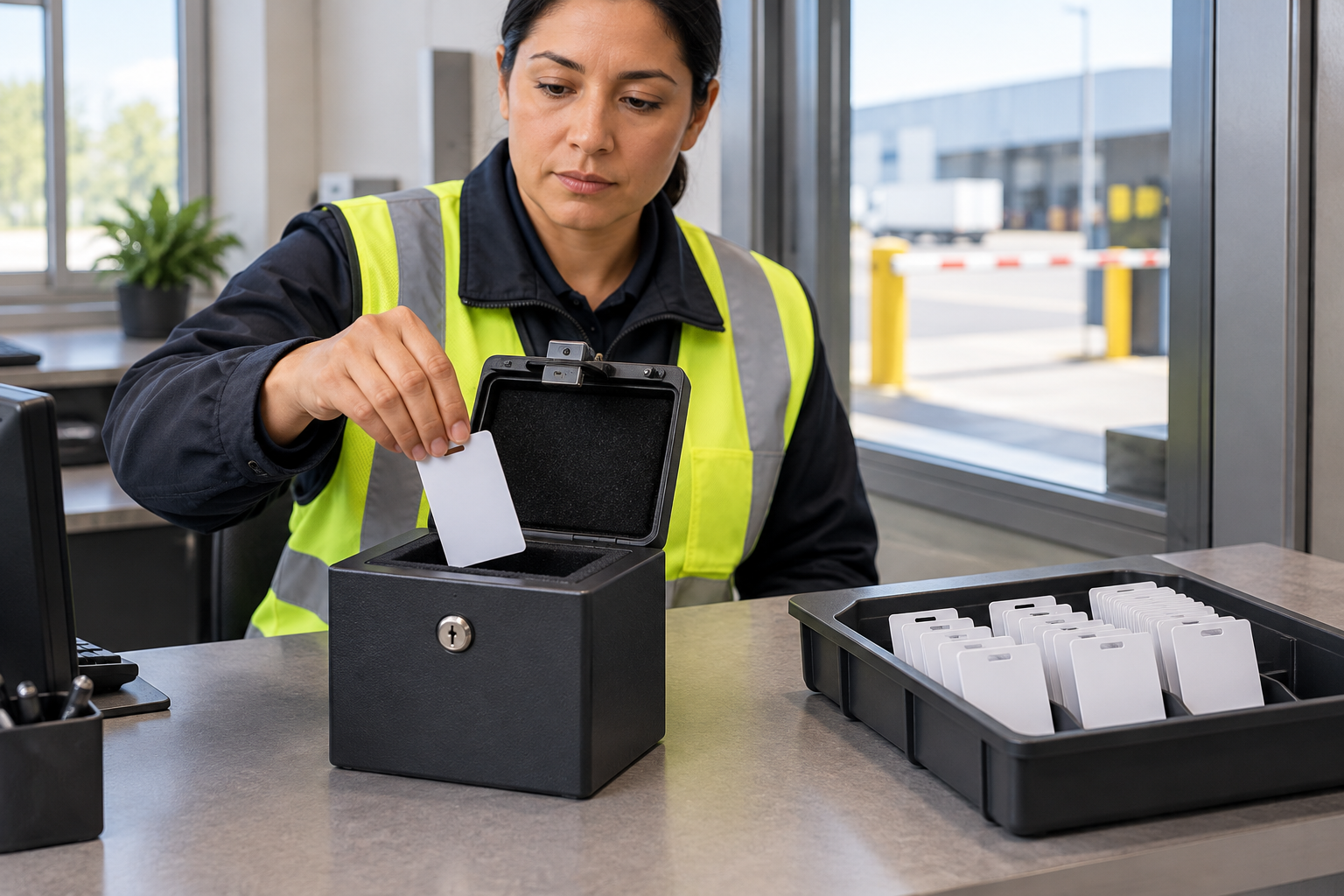
If the original badge is found after replacement: arrange handover to the gatehouse or security through a safe, approved route. Record the recovery time, collector and custody location. Do not return it to the visitor or place it in available badge stock.
The administrator should match its electronic identifier to the lost credential and confirm that it remains invalid. Check any configured restoration process, pending change or integration assignment that could make it valid again. These checks depend on the installed system; recovery alone must not trigger restoration. Preserve the lost-and-recovered history and quarantine the badge until a separate authorized retirement or reissue process is complete.
Security shift lead—recommended closure checks:
- The original credential is identified and its final invalid status is recorded.
- Relevant controller coverage is confirmed; pending or offline devices have not been silently marked complete.
- If recovered, the original has a custody record and remains quarantined, with no unresolved restoration action.
- If still missing, that fact and the security-approved disposition are recorded; no unresolved revocation exposure remains.
- The replacement has only approved zones and remaining duration, with both credential references linked to the original visit.
- Presence remains unchanged unless departure has separately been established.
- Actions, acknowledgements, verification results and any non-security follow-up have named owners.
Keep unconfirmed revocation open, including across shift changes. Hand over the affected access points, interim controls, next action and responsible owner. Do not close the incident merely because a replacement works or the visitor later departs.
Collect only information needed to explain the event and decisions: visit and credential references, relevant location, report and action times, verification outcomes, approvals, access scope, system results and recovery disposition. Reference existing records instead of duplicating personal information, and use approved access and retention arrangements.
Worked example: replacement issued, original recovered
Fully hypothetical example: all people, identifiers, times, confirmations and decisions below are invented. The fictional system supports separate credential revocation and controller acknowledgements. The timings illustrate a sequence—not response targets or supplier performance.
Maintenance visitor Rowan Ellis is signed in on visit V-214, scheduled from 09:00 to 12:00, with credential C-731. Dana is the host.
| Time | Completed action and result |
|---|---|
| 10:12 | Rowan reports the missing badge through the approved gatehouse number from the maintenance office. Gatehouse operator Lee records the report and confirms that Rowan can safely wait there. Dana goes to assist; Rowan is not sent searching through the yard. |
| 10:13 | Lee matches V-214 to C-731 in the issue history. Authorized administrator Morgan acknowledges the immediate revocation request. The visitor record remains active. |
| 10:14 | Morgan disables C-731. The central record reports it invalid, but one relevant controller acknowledgement is pending. Security lead Jules applies the site-approved staffed control at that access point. Replacement issuance remains pending. |
| 10:17 | Morgan confirms that every controller within C-731’s access scope reports the change applied and retains the verification references. Jules ends the temporary staffed control. |
| 10:19 | Lee completes the approved identity recheck. Dana confirms continuation of the original task until 12:00, with access limited to the pedestrian entrance and maintenance room and the existing escort condition retained. |
| 10:22 | Morgan assigns distinct credential C-846 to the approved zones, expiring at 12:00. Lee issues it, links it to V-214, retains C-731’s history and confirms that Rowan remains signed in with the original 09:00 arrival. |
| 10:40 | Dana finds C-731 in the maintenance office and hands it to Lee. Lee records recovery and places it in controlled quarantine, not available stock. |
| 10:44 | Morgan confirms that C-731 remains invalid and that no pending restoration or integration assignment would reactivate it. Jules checks custody, both credential states, controller confirmations and the visit record, then closes the incident. |
Separate final states at 10:44:
| Record or item | Final state |
|---|---|
| Original credential C-731 | Invalid; recovered and quarantined; not restored or available for issue. |
| Replacement credential C-846 | Active only for the pedestrian entrance and maintenance room, expiring at 12:00. |
| Visitor record V-214 | Active and present, retaining the 09:00 arrival; no departure recorded. |
| Lost-badge incident | Closed after verification; no outstanding revocation exception. |
Closing the incident does not close Rowan’s visit. The gatehouse will establish departure and handle the replacement credential separately under the site’s departure procedure.
Conclusion
Revoke the missing credential through the authorized access-control route, and update presence only when departure is established. A replacement is not proof of revocation; a recovered original is not permission to restore it. Verify controller coverage and credential disposition before closing the incident, while leaving an ongoing visit active.
Sources
Source pages checked 4 November 2026.
Pricing and plan details can change; verify current terms with the vendor.