
Choose the software scope before the plan
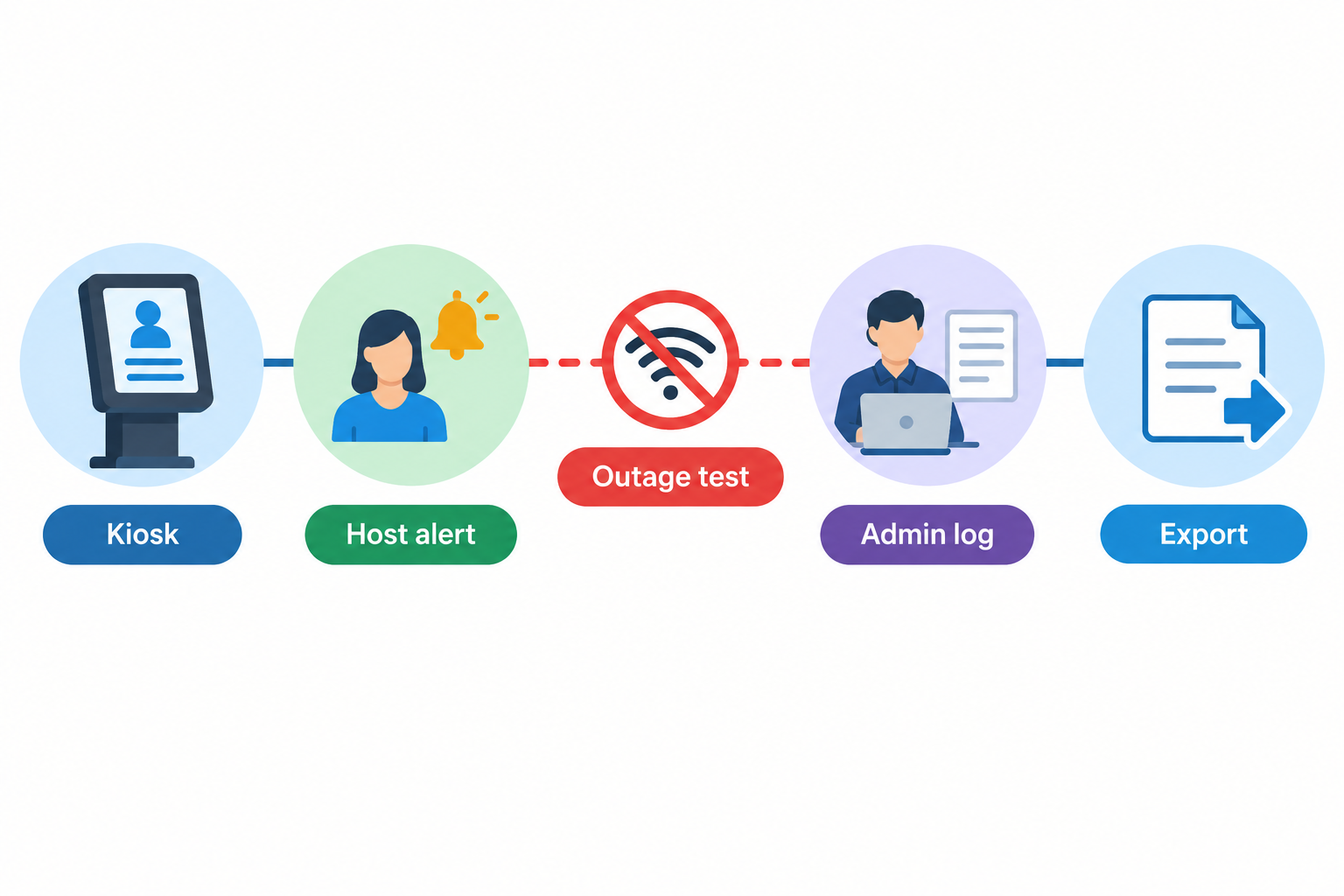
Visitor management software records workplace arrivals, notifies hosts and maintains visit records. Its interfaces serve different users: the kiosk captures visitor details, the admin dashboard manages workflows and records, and host mobile tools deliver arrival notifications. These functions are illustrated in Envoy’s product overview.
Buy against demonstrated requirements, not the longest feature list. Our recommended baseline is preregistration, sign-in/out, host alerts and a searchable visitor log. Add badges, approvals, identity checks, directory synchronisation, door-system integration, contractor workflows or multi-site controls only where your operation requires them. For the wider system boundaries, see visitor management versus booking and access control.
Turn feature claims into acceptance tests
Recommended acceptance tests: use fictional visitor details and the subscription, devices and integrations you intend to purchase—not an unrestricted demonstration account.
| Requirement | What to demonstrate | Evidence to retain |
|---|---|---|
| Preregistration and arrival | Invite a guest; process an unexpected arrival; prevent duplicate visits. | Invitation, resulting records and configuration. |
| Host alerts | Deliver an alert through the required channel; test an unavailable host and backup contact. | Delivery timestamps and escalation outcome. |
| Sign-out and visitor log | Close a visit; find an unresolved departure; search and export both. | Export showing arrival, departure and unresolved status. |
| Conditional workflows | Where needed, test approval refusal, badge printing and expired contractor evidence. | Decision history, badge sample and exception result. |
| Identity, directory and doors | Remove a host; test failed identity checks and credential expiry where required. | Sync result, denied action and access-system record. |
| Permissions and multi-site | Attempt cross-site viewing, export and configuration changes with restricted accounts. | Allowed and denied actions by role. |
| Accessibility | Complete sign-in with relevant assistive technology, readable text and staffed assistance; include a no-smartphone route. | Observed barriers and accepted alternatives. |
| Outage and recovery | Disconnect connectivity; attempt arrival and departure; reconnect and reconcile records. | Missing functions, timestamps, duplicate checks and sync outcome. |
For every row, ask: Is this included on the quoted plan? What module, hardware or third-party licence is required? Record pass, fail or unknown, alongside the test date and configuration. Unknown is not proof of absence, but should block acceptance of a mandatory requirement.
Use the comparison scorecard to prioritise requirements; use the office rollout guide for operating handoffs.
- Observed Test record Capture the outcome on the intended plan and configuration.
- Included Written entitlement Match each required function to the quoted subscription and dependencies.
- Approved Named acceptance Have the responsible owner accept limitations before signing.
Prove security controls and data exit rights
The OAIC’s APP 11 guidance, updated 3 October 2025, says covered entities must take reasonable technical and organisational measures to protect personal information and destroy or de-identify it when no longer needed, subject to exceptions. Outsourcing storage does not necessarily remove an entity’s control of that information. OAIC guidance.
Recommended purchase checks: demonstrate administrator MFA and required SSO on the purchased plan, including recovery and account removal. Test export permissions, retention settings and deletion using fictional records.
Ask the contract to establish data ownership and permitted supplier use, hosting and backup locations, subprocessors, incident responsibilities, exit exports, deletion timing and backup treatment. Retain the export, deletion evidence and agreed terms. Leave unanswered questions explicitly unknown; do not substitute a security logo for these checks.
Compare licence units and complete costs
Vendor pages checked 20 October 2026 illustrate different purchasing boundaries—not a ranking:
- Sign In App: annual site subscriptions include unlimited connected iPads; different postcodes require separate subscriptions. SSO is listed under Pro. Its free access is a 15-day trial. Confirm site boundaries and identity requirements. Plan details.
- Vizito: location subscriptions cover unlimited kiosks, but plans have registration and SMS allowances. Enterprise adds SAML SSO and directory sync. Its 14-day trial exposes all features; confirm which remain on your purchased tier. Plan details.
- Lobbytrack: Starter is an ongoing free plan for up to 100 visitors/month. SSO and access-control integration are listed under Ultimate. Testing Ultimate features below 20 visits is a separate offer, not permanent Starter entitlement. Plan details.
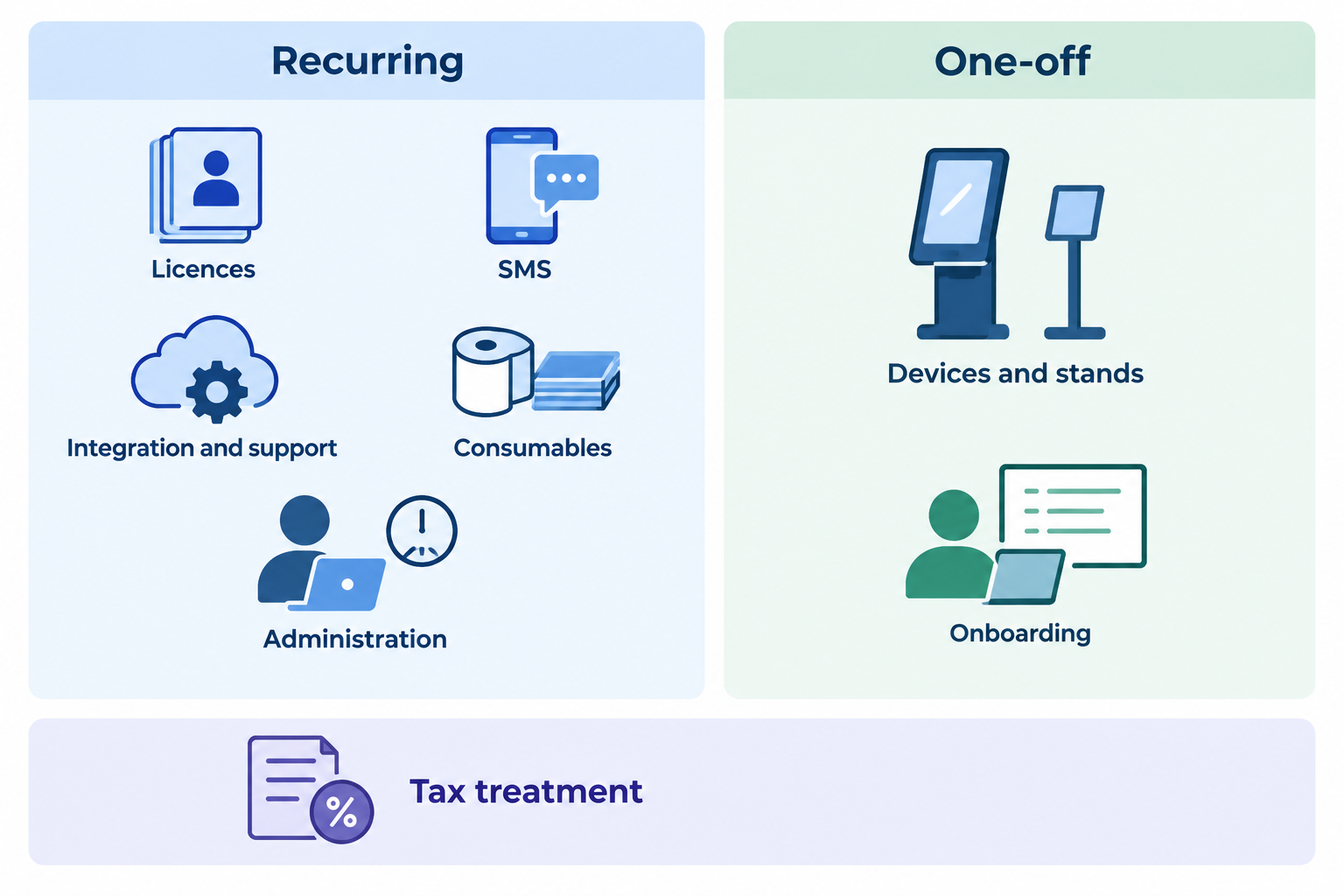
Recommended quotation scope: specify currency, billing period, renewal terms, tax, site definition, devices and visit volumes. Request separate amounts for modules, SMS overages, integrations, onboarding, support, hardware, badge supplies, internal administration and exit assistance. Mark unquoted costs unknown rather than zero. Use the product comparison to choose candidates, not to replace written quotations.
Calculate a realistic first-year budget
Hypothetical example—all inputs are invented AUD planning assumptions, not vendor prices. Assume two sites, annual billing, and all required software features included in the licence allowance.
| Item | Invented calculation | Annual cost |
|---|---|---|
| Site licences | 2 × A$900/year | A$1,800 |
| SMS | 12 × A$20/month | A$240 |
| Integration and support | Annual allowances: A$300 + A$360 | A$660 |
| Consumables | Annual allowance | A$120 |
| Internal administration | 12 hours × A$50 | A$600 |
| Recurring total | Sum above | A$3,420 |
Add one-off devices and stands of A$1,200 and onboarding of A$400: first-year total A$5,020 before tax. For this example only, assume A$442 tax on A$4,420 external spending and none on internal labour: A$5,462 first-year budget. Actual tax treatment, renewal increases and replacement costs require confirmation.
Conclusion
Select only a configuration that passes every mandatory test, has written plan and data-handling commitments, and fits the complete budget. If a required outcome remains unknown, resolve it before signing.
Sources
Source pages checked 20 October 2026.
Pricing and plan details can change; verify current terms with the vendor.