

At a glance
| System | Access | Pricing | Scope | Best fit | Limitation |
|---|---|---|---|---|---|
| Envoy Visitors Basic | Ongoing free plan | Basic is free. Premium is listed at $362 per location/month, billed annually. [Pricing](https://envoy.com/pricing) | Ongoing free visitor-management tier with host notifications. | Editorial fit: a small, single-site workplace needing basic arrival alerts. | 100 entries/month, one location and up to 50 directory employees. History duration and over-limit behaviour are not stated. Upgrade trigger: exceeding these allowances or needing Premium features such as badge printing or visitor photos. [Plan details](https://envoy.com/pricing) |
| Lobbytrack Starter | Ongoing free plan | Starter is free; Basic is listed at $50/month/location with unlimited visitors. [Pricing](https://www.lobbytrack.com/visitor-management/pricing) | Ongoing free Starter tier; conditional Ultimate feature testing is a separate allowance. | Editorial fit: a low-volume reception that wants a stated monthly visitor allowance without host or user caps. | Up to 100 visitors/month; unlimited hosts and users. Free location allowance and history period are not stated. Ultimate feature testing applies in months with under 20 visits. Upgrade trigger: more than 100 visitors/month or required paid-tier features. [Plan details](https://www.lobbytrack.com/visitor-management/pricing) |
| VisitorLog.io Free | Ongoing free plan | $0/month with no trial expiration. Custom pricing for more than two facilities. [Pricing](https://visitorlog.io/pricing/) | Ongoing free platform within facility and staff-user caps. | Editorial fit: a workplace wanting to test QR sign-in, notifications and badge workflows within the published caps. | Up to two facilities and 300 users; unlimited visitor check-ins. The vendor lists all platform features as included. SMS quantity and maximum retention are not stated. Upgrade trigger: more than two facilities; the route beyond 300 users is not stated. [Plan details](https://visitorlog.io/pricing/) |
| VisitUs Core | Ongoing free plan | Core is free and does not expire. Paid modules are charged per month per location, with seven-day trials; amounts are not stated in the captured evidence. [Pricing](https://visit-us.com/pricing/) | Ongoing free Core sign-in system with optional paid modules. | Editorial fit: a workplace prioritising sign-in volume and willing to confirm module boundaries before deployment. | Unlimited visitor sign-ins. Core host, user, location and history limits are not stated. Upgrade trigger: enabling paid modules, with Notifications, Compliance and Pre-registration named as examples. [Plan details](https://visit-us.com/pricing/) |
| VMFree Free | Ongoing free plan | Free is £0 and described as free forever. Standard is £25/month or £240/year, excluding VAT. [Pricing](https://www.vmfree.co.uk/) | Ongoing free package for visitor booking in and out. | Editorial fit: a workplace whose requirements fit the published basic package and short history window. | 30-day visit history. Visitor, host, user and location quantity caps are not stated. Upgrade trigger: longer history, custom badge printing or visitor photos, which appear under Standard. [Package details](https://www.vmfree.co.uk/) |
| Epson uPass | Unknown | App download and use are free with compatible Epson printers. Hardware and consumable prices are not stated. Free access to a complete visitor-management service is unconfirmed. [Terms](https://www.epson.co.uk/en_GB/verticals/business-solutions-for-professional-graphics/colorworks/upassapp) | Free printer-dependent visitor-pass app; not counted as a confirmed ongoing free visitor-management platform. | Editorial fit: a reception assessing pass printing with compatible Epson hardware. | Epson identifies CW-C4000e series printers as compatible; its FAQ says the app is currently Android-only. Visitor, host, site and retention limits are not stated. Purchase trigger: compatible printing hardware if not already owned; software upgrade tiers are not stated. [App requirements](https://www.epson.co.uk/en_GB/verticals/business-solutions-for-professional-graphics/colorworks/upassapp) |
| Vizito | Free trial | Trial requires no card and does not trigger an automatic charge at its end. An ongoing free plan is not confirmed. Confirm currency and billing term before purchasing. [Pricing](https://vizito.eu/pricing/) | Time-limited visitor-management trial. | Editorial fit: a workplace evaluating a paid subscription rather than seeking ongoing free operation. | 14-day trial with every feature and 25 SMS notifications. Trial-specific visitor and site caps are not stated. Payment trigger: continued use after the trial. Paid Standard allows 100 visits/month. [Trial and plan details](https://vizito.eu/pricing/) |
| Sign In App | Free trial | Trial requires no credit card. Core is listed at £415 per site/year; no ongoing free plan is confirmed. [Pricing](https://signinapp.com/pricing) | Time-limited trial followed by per-site annual subscriptions. | Editorial fit: a workplace willing to budget for ongoing visitor sign-in software. | 15-day trial; trial-specific usage limits are not stated. Paid site subscriptions include unlimited monthly sign-ins and employees. Payment trigger: continued use after the trial. [Plan details](https://signinapp.com/pricing) |
| Teamgo | Free trial | No payment or card is needed for the trial. Service access requires a paid subscription, licensed by location. Confirm the applicable user allowance because marketing and support wording differ. [Trial terms](https://www.teamgo.co/locations/visitor-management-software-us/) · [Licensing](https://help.teamgo.co/en/articles/1393609-teamgo-subscription-pricing) | Time-limited trial; free app downloads do not establish free service access. | Editorial fit: a workplace testing a paid per-location service. | 30-day trial; trial-specific usage caps are not stated. Subscription guidance says visitor check-ins and kiosks are unlimited, but most plans impose user limits. Payment trigger: continued service after the trial. [Trial](https://www.teamgo.co/locations/visitor-management-software-us/) · [Subscription limits](https://help.teamgo.co/en/articles/1393609-teamgo-subscription-pricing) |
| Greetly | Paid | Essential is $99/month and Pro is $159/month, both billed yearly. No ongoing free plan or trial is confirmed. [Pricing](https://www.greetly.com/plans) | Published paid visitor-management plans; free access unconfirmed. | Editorial fit: a paid-plan comparison, not an ongoing-free shortlist. | Essential lists unlimited users, check-ins and hosts. Free-plan and trial limits are not stated because neither offer is documented on the captured page. Purchase trigger: selecting a published plan; Pro adds badge printing among other features. [Plan details](https://www.greetly.com/plans) |
Which plans are genuinely ongoing and free?
Evidence checked date: 21 September 2026. This comparison uses the supplied official-page captures retrieved on that date; the pages were not independently re-fetched for this revision.
Those captures explicitly document five ongoing free visitor-management plans: Envoy Basic, Lobbytrack Starter, VisitorLog.io Free, VisitUs Core and VMFree Free.
Here, verified means the official evidence publishes a free tier rather than only a trial or free app download. It does not mean hands-on testing, a security assessment or a guarantee of future availability. The five free plans are presented alphabetically, not ranked.
Start with the limit most likely to affect your reception: monthly arrivals, staff directory size, locations, required workflow features or visit-history duration. Not stated means unresolved—not unlimited. Free software access also does not establish that devices, printing supplies or setup are included.
- Envoy Basic — arrivals, directory and location
- 100 entries/month · 50 directory employees · one locationUpgrade trigger: exceeding an allowance or needing paid features such as badge printing. Basic history duration is not stated. Envoy source
- Lobbytrack Starter — monthly volume
- Up to 100 visitors/monthHosts and users are unlimited. Upgrade trigger: higher visitor volume or required paid-tier features. Ultimate testing below 20 visits is a separate conditional offer. Lobbytrack source
- VisitorLog.io — facilities and staff accounts
- Up to two facilities · 300 usersVisitor check-ins are unlimited. More facilities require a custom plan; the route beyond 300 users is not stated. VisitorLog.io source
- VisitUs Core — required modules
- Unlimited visitor sign-insUpgrade trigger: enabling paid modules. Core location, user and history limits are not stated; paid-module trials last seven days. VisitUs source
- VMFree — history and features
- 30-day visit historyUpgrade trigger: longer history, visitor photos or custom badge printing, which appear under Standard. Free volume and site caps are not stated. VMFree source
Envoy Basic: check both arrival and directory limits
Envoy lists Visitors Basic as free, with host notifications and 100 entries per month. Its comparison specifies one location and up to 50 employees in the directory. These are separate limits: remaining below the arrival allowance does not remove the directory cap. Envoy pricing
Upgrade trigger: exceeding the Basic allowances or needing Premium features, such as badge printing, visitor photos or customised branding. Premium is listed at $362 per location/month, billed annually. The captured page does not state a Basic history duration or explain what happens at the monthly entry cap. Envoy plan details
Editorial recommendation: test arrival, host alert and sign-out on Basic specifically. Get written confirmation of over-limit behaviour before making it your only sign-in route.
Lobbytrack Starter: separate the free tier from feature testing
Lobbytrack publishes Starter as free for up to 100 visitors per month, with unlimited hosts, unlimited users and no contract. Its free location allowance and visit-history duration are not stated in the captured page. Lobbytrack pricing
Keep Starter separate from conditional feature testing. Lobbytrack permits users to try Ultimate features in months with under 20 visits. That does not establish that every Ultimate capability remains available throughout Starter’s larger monthly allowance. Starter and Ultimate terms
Upgrade trigger: more than 100 monthly visitors or a workflow requiring paid-tier features. Basic is listed at $50 per month per location, with unlimited visitors. Repeat-visit counting rules and overage handling are not stated. Lobbytrack plan details
Editorial recommendation: ask for a demonstration of your required free-tier workflow without relying on conditional Ultimate access.
VisitorLog.io: broad inclusion with facility and user caps
VisitorLog.io explicitly publishes a $0/month, non-expiring plan for up to two facilities and 300 users, with unlimited visitor check-ins. Users are staff who receive notifications or manage visitors—not visitor arrivals. VisitorLog.io pricing and FAQ
The vendor lists QR check-in and checkout, email and SMS notifications, badge printing, kiosk operation, signature capture, configurable retention and CSV export as included. It says there are no feature gates within the free plan. An SMS quantity and maximum retention period are not stated. Included features
Upgrade trigger: more than two facilities requires a custom plan. The route beyond 300 users is not stated. Custom plans also add priority support with guaranteed response times. VisitorLog.io plan limits
Editorial recommendation: confirm your staff-account count, notification allowance and retention setting before relying on the broad feature list.
VisitUs Core: unlimited sign-ins, but confirm module boundaries
VisitUs explicitly states that Core is free, includes unlimited visitor sign-ins and does not expire. Creating the free account requires no credit card. Core’s host, administrator, location and visit-history limits are not stated in the captured pricing text. VisitUs pricing
Upgrade trigger: enabling paid modules. The page names Notifications, Compliance and Pre-registration as examples. Modules are charged per month, per location, and each paid module has a seven-day trial. That temporary module access is separate from the ongoing free Core plan. Module prices are not stated in the captured evidence. VisitUs modular pricing
Editorial recommendation: map your minimum arrival-to-departure workflow and ask which steps remain available after every module trial ends. Confirm host-alert and advance-booking requirements rather than assuming they are included in Core.
VMFree: the history window is the key published limit
VMFree lists its base package at £0 and describes it as free forever. The package includes visitor booking in and out, a tablet application, custom hosts, future bookings, a fire report and 30-day visit history. Visitor, host, user and site quantity caps are not stated. VMFree packages
Upgrade trigger: longer history, custom badge printing or visitor photos. Those features appear under Standard, which lists up to three years of history at £25/month or £240/year, excluding VAT. VMFree Standard pricing
The general feature descriptions are broader than the free-package list: photos, for example, are described on the page but assigned to Standard in the packages. Use the package boundary when assessing free access. VMFree feature and package details
Editorial recommendation: decide your required history period before piloting. Ask separately about free-package export, deletion and notification entitlements.
Trials and unconfirmed offers are not ongoing free plans
These products belong outside the ongoing-free shortlist:
- Vizito — trial. The evaluation lasts 14 days, includes every feature and 25 SMS notifications, and requires no card. Nothing is charged automatically at trial end. An ongoing free tier is not confirmed; trial-specific visitor and site caps are not stated. The payment trigger is continued use after the trial. Vizito trial terms
- Sign In App — trial. The offer is a 15-day trial without a card, followed by paid plans; Core is listed at £415 per site/year. Trial-specific usage caps are not stated. Unlimited monthly sign-ins apply to paid site subscriptions, not a documented ongoing free tier. The payment trigger is continued use after the trial. Sign In App pricing
- Teamgo — trial, despite free apps. Its US page advertises a 30-day trial without payment or a card. Its subscription guidance says service access requires a fee and each location needs a licence. That guidance also imposes user limits on most plans, despite broader unlimited-user marketing wording. Trial-specific usage caps are not stated; confirm the applicable allowance. The payment trigger is continued service after the trial. Teamgo trial · Teamgo licensing guidance
- Greetly — paid; free access unconfirmed. The captured page lists Essential at $99/month and Pro at $159/month, billed yearly, but does not document a free plan or trial. Essential includes unlimited users, check-ins and hosts; Pro adds badge printing among other features. The purchase trigger is selecting a published plan—not exceeding a verified free allowance. Greetly plans
Editorial recommendation: before starting a trial, ask what remains accessible when it ends, how to retrieve test records and whether payment authorisation will be requested. Do not assume there is a free fallback tier.
A free app is not the same as a free reception setup
Epson says uPass is free to download and use with compatible Epson printers. It supports self-registration, visitor-photo capture, pass templates and CSV name imports, and identifies the CW-C4000e series as compatible hardware. Although the overview uses broader device wording, the FAQ says the app is currently Android-only, without iOS support. Epson uPass overview and FAQ
Classify it as a free app with a hardware dependency, not a confirmed zero-cost visitor-management deployment. The captured page does not state printer or consumable prices, visitor-volume caps, retention limits or a complete ongoing visitor-management service offer. The practical purchasing trigger is compatible printing hardware if you do not already own it; software upgrade tiers are not stated. Epson uPass requirements
Editorial recommendation: assess uPass for pass printing, then separately verify any required host alerts, checkout process and current-visitor list. An unverified capability should remain unresolved rather than being marked included or unavailable.
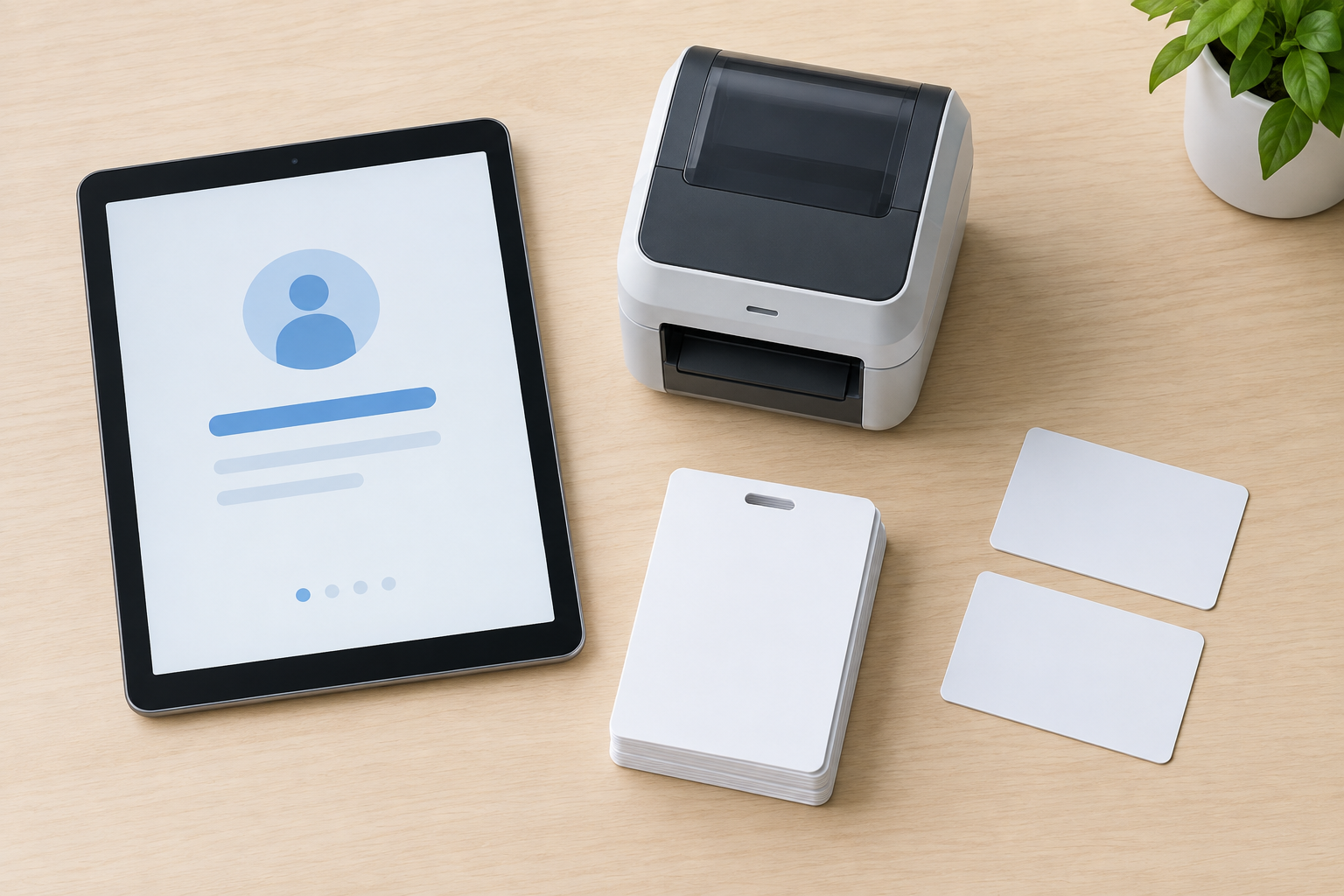
How to choose a free sign-in plan without guessing
Recommended evaluation procedure: shortlist by your actual sign-in requirements, then test the free configuration—not a temporary all-features demonstration.
- Record your expected usage: normal and busy-month arrivals, staff needing accounts, sites, entrances and required history period.
- Confirm counting rules: ask whether repeat visits, contractors, employee sign-ins and cancelled bookings consume the allowance.
- Test the full visit: complete a walk-in and an invited visit, notify the host, use your required badge process and sign the visitor out.
- Test exceptions: try an unavailable host, a visitor who needs staff assistance and an interrupted connection. Agree a fallback before launch.
- Check records and permissions: retrieve the current visitor list, test export and deletion, and confirm who can see visitor details. Request the security and data-handling documentation your workplace needs.
- Price the first upgrade: obtain a written quote for the first capacity or feature requirement that makes the free tier unsuitable. Budget separately for devices, printing supplies and setup.
Record each required capability as confirmed on free, paid only or unresolved, with the evidence date and pilot result. An unresolved must-have is a reason to pause deployment, not assume inclusion.
Use the visitor-management evaluation scorecard to compare results consistently. If no free configuration passes your must-have workflow, broaden the search with the general visitor-management shortlist rather than weakening the requirement to preserve a zero subscription price.
Conclusion
Choose the free configuration that passes your reception workflow test, not the one with the longest feature list. Confirm unresolved limits, record the first upgrade trigger and keep a written fallback for failed check-ins. If a required capability remains unconfirmed, leave it unresolved in your scorecard rather than assuming it is included.
Sources
Source pages checked 21 September 2026.
Pricing and plan details can change; verify current terms with the vendor.
- Envoy Basic’s arrival and directory limitsBasic allows 100 entries per month, one location and up to 50 directory employees.
- VisitorLog.io’s facility and user limitsThe free plan allows up to two facilities and 300 users, with unlimited visitor check-ins.
- Lobbytrack Starter’s monthly allowanceStarter is free for up to 100 visitors per month.
- VMFree’s included visit historyThe free package includes 30-day visit history.
- Envoy Basic
- Lobbytrack Starter
- VisitorLog.io Free
- VisitUs Core
- VMFree Free
- Vizito trial terms
- Sign In App pricing
- Teamgo trial
- Teamgo licensing guidance
- Greetly plans
- Epson uPass overview and FAQ